2
Doro 824
FULL MANUAL
For further information and the full manual please visit
http://www.dorocanada.com/support/ or contact our support:
• Phone: 1 888 611 3676
• Email: support.ca@doro.com
GET STARTED
Insert SIM card, memory card and battery
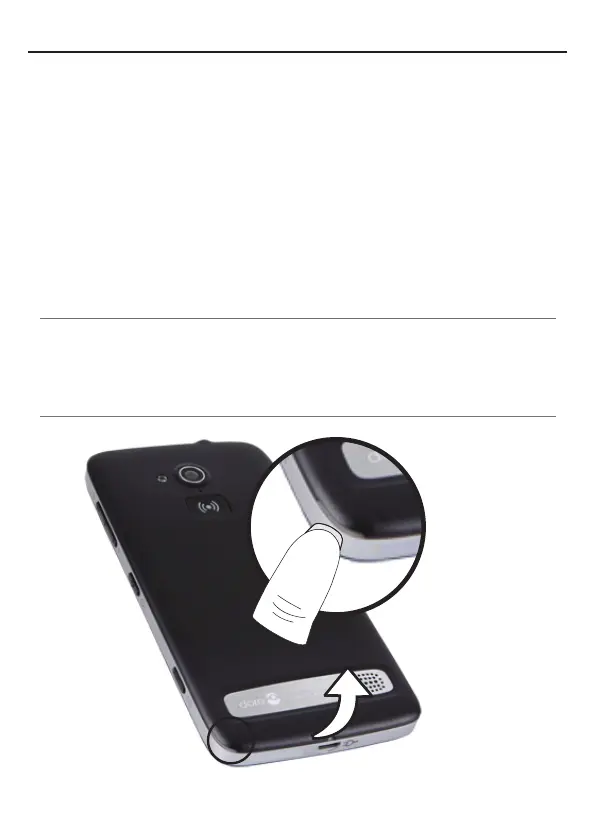
Remove the battery cover
Important!
Becarefulnottodamageyourngernailswhenyouremovethe
battery cover. Do not bend or twist the battery cover excessively
as it may get damaged.



 To Next Page