4
Doro 824
Turn the phone on and off
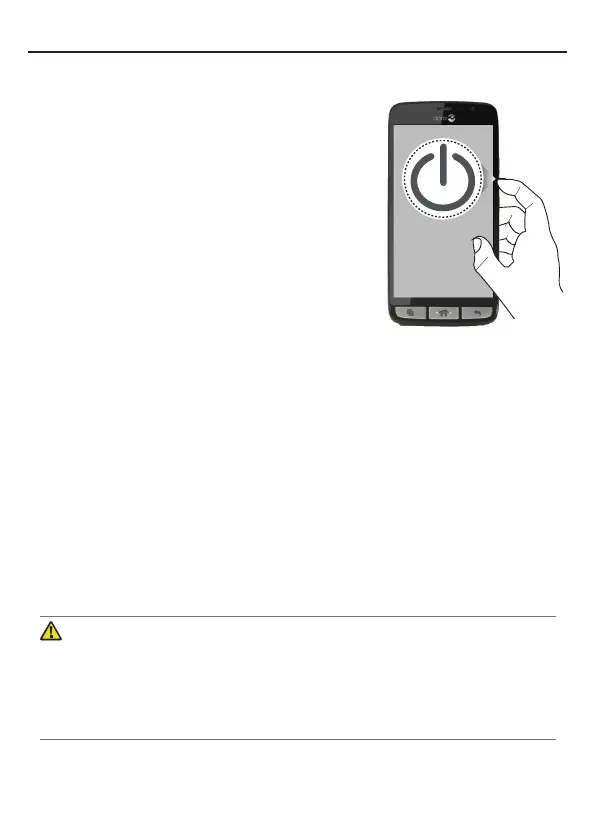
Turn on the phone
1. Press and hold the
!
Power button
located on the side until the phone
vibrates.
2. Follow the instructions in the
setup assistant to activate your
device and set it up.
Note! When turning on your phone, the installed applications
may need to be updated and this can take a few minutes
depending on the internet connection. This will require an
Internet connection, it is preferable to use a Wi-Fi connection to
reduce data costs.
Turn off the phone
1. Press and hold down the
!
Power button
until the options
menu opens.
2. In the options menu, select
Power off
â
OK
.
Charge the phone
Caution
Only use batteries, charger and accessories that have been
approved for use with this particular model. Connecting other
accessories may be dangerous and may void the phone’s type
approval and guarantee.



 To Next Page