17
English
Editing numbers in the phone book
Press
b
to open the phone book.
Use
v
/
V
to browse through the phone book, or
enter the first character to quickly find an entry.
Press and hold
b
until the blinking cursor
appears.
Use
v
/
V
to move the cursor, and use and
the keypad to erase and enter new data.
Press to confirm. The cursor will move to
the second line.
Repeat step 4 to edit the name/description.
Press to confirm.
OK
is displayed.
Speed dialing keys
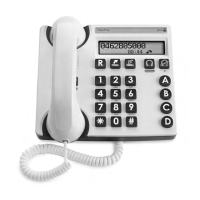
The telephone has 3 speed dialing keys that can be
used for numbers that are called frequently, or for
emergency numbers.
Storing speed dial numbers
Press and hold one of the speed dialing keys
A/B/C until a blinking cursor is shown on the
first line on the display.
Enter a telephone number (up to 22 digits) using
the keypad. Use
v
/
V
to move the cursor and
to erase if needed.
Use
#
to insert a pause in the number.
Press to confirm. OK is displayed.
Repeat steps 1–3 to store numbers for the other
speed dialing keys.
1.
2.
3.
4.
5.
6.
7.
1.
2.
3.
4.


 To Next Page