43
42
CONTENTS
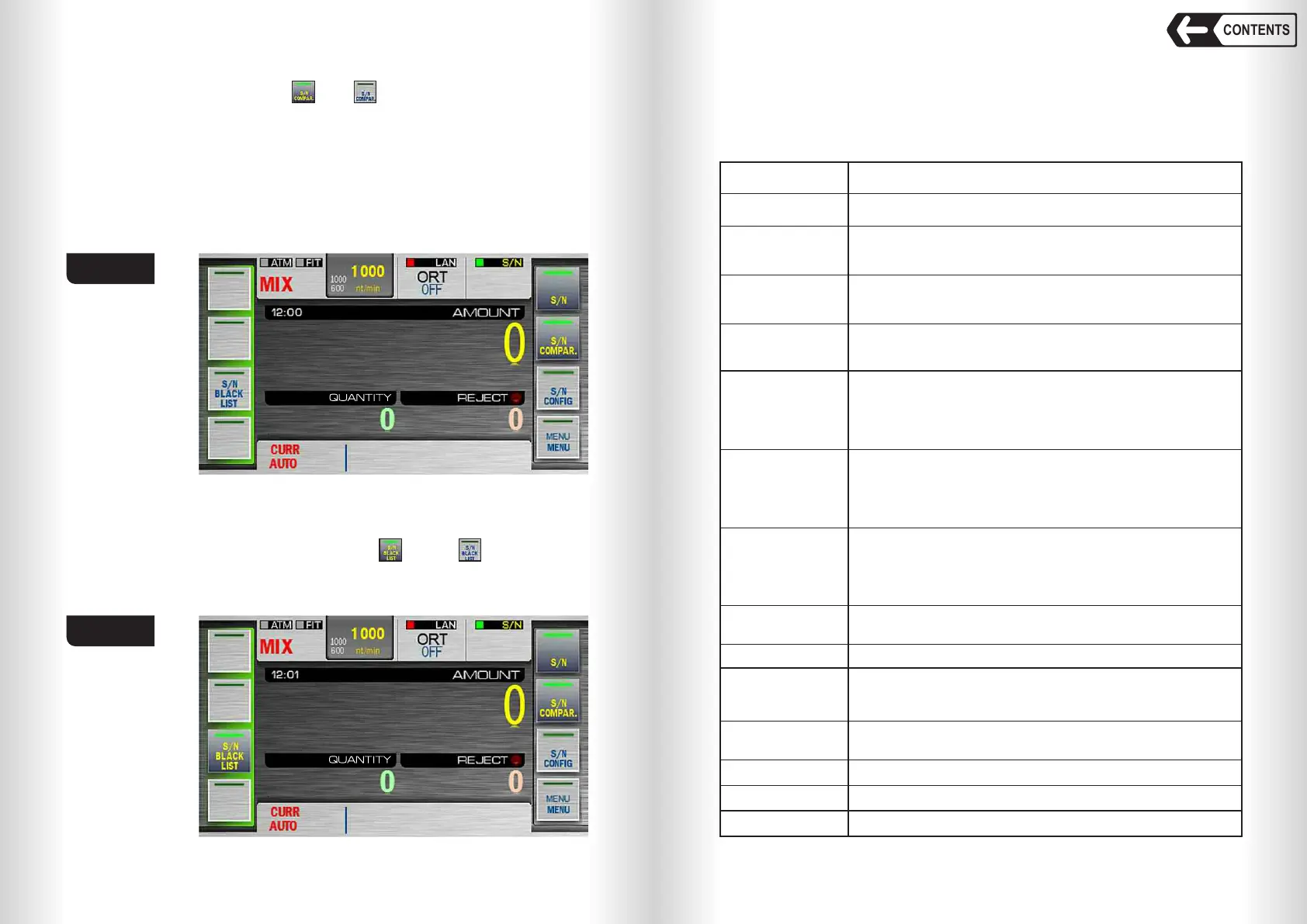
SN COMPARE mode
Touch SN COMPAR. to turn on or off serial number compare mode.
In this mode the counter detects two serial numbers of the banknote in a
batch and compares they match each other.
Banknote sorting is made according to preset SN trust level for the
currency, denomination and issue, with displaying reject reason in the reject
report.
This mode is to reject the notes which SN doesn’t match selected trust level.
SN review is available in REPORT submenu (touch REPORT key or
REJECT area in the main screen).
Banknote counter DORS 820 Banknote counter DORS 820
S/N Black List
Touch S/N Black List button to switch on ( ) or off ( ) S/N Black List
mode. W hen the mode is on, the banknotes with their serial numbers included
in the black list of the counter will be rejected.
32
31
30
Some symbols are not detected. However result line
has been achieved based on all banknote SNs data
except 2 symbols. (_) will be displayed in the result line
instead of missing symbols.
No SN symbol discrepancy found.
Some symbols are not detected. However result line
has been achieved based on all banknote SNs data
except 1 symbol. (_) will be displayed in the result line
instead of missing symbol.
No SN symbol discrepancy found.
Some symbols are not detected. However result line
has been achieved based on all banknote SNs data
except 3 symbols. (_) will be displayed in the result line
instead of missing symbols.
No SN symbol discrepancy found.
0
SN detection hasn't been done.
-1
Banknote SNs do not match each other. (!) will be
displayed in the result line instead of mismatching
symbols.
-2
SN doesn't match the formula preset for the detected
currency.
-3
Missing characters, SN is probably in the black list
-4
SN processing is incomplete.
SN Trust Level
SN trust level is the parameter that sets where to redirect the banknote
according to the results of SN detection. SN trust level detected by the
counter may be within – 5 … 65 (refer to Table 2).
TABLE 2
Trust Level
Description
65
64
63
62
1 symbol is not detected. However full result line has
been achieved based on all banknote SNs data. No SN
symbol discrepancy found.
All SN symbols detected. No SN symbol discrepancy
found.
2 symbols are not detected. However full result line has
been achieved based on all banknote SNs data. No SN
symbol discrepancy found.
3 symbols are not detected. However full result line has
been achieved based on all banknote SNs data.
No SN symbol discrepancy found.
-5
SN matches the data in the black list
Fig. 66
Fig. 67


 To Next Page
 Loading...


