Saving the data about the counted banknotes to the computer.
The counter can save the data and access to them through the built-in
WEB-server using the HTTP protocol.
To enable saving the data
touch the checkbox – (see Fig. 80).
49
48
CONTENTS
The checkbox adds detected S/N image to the printer
output data.
Banknote counter DORS 820 Banknote counter DORS 820
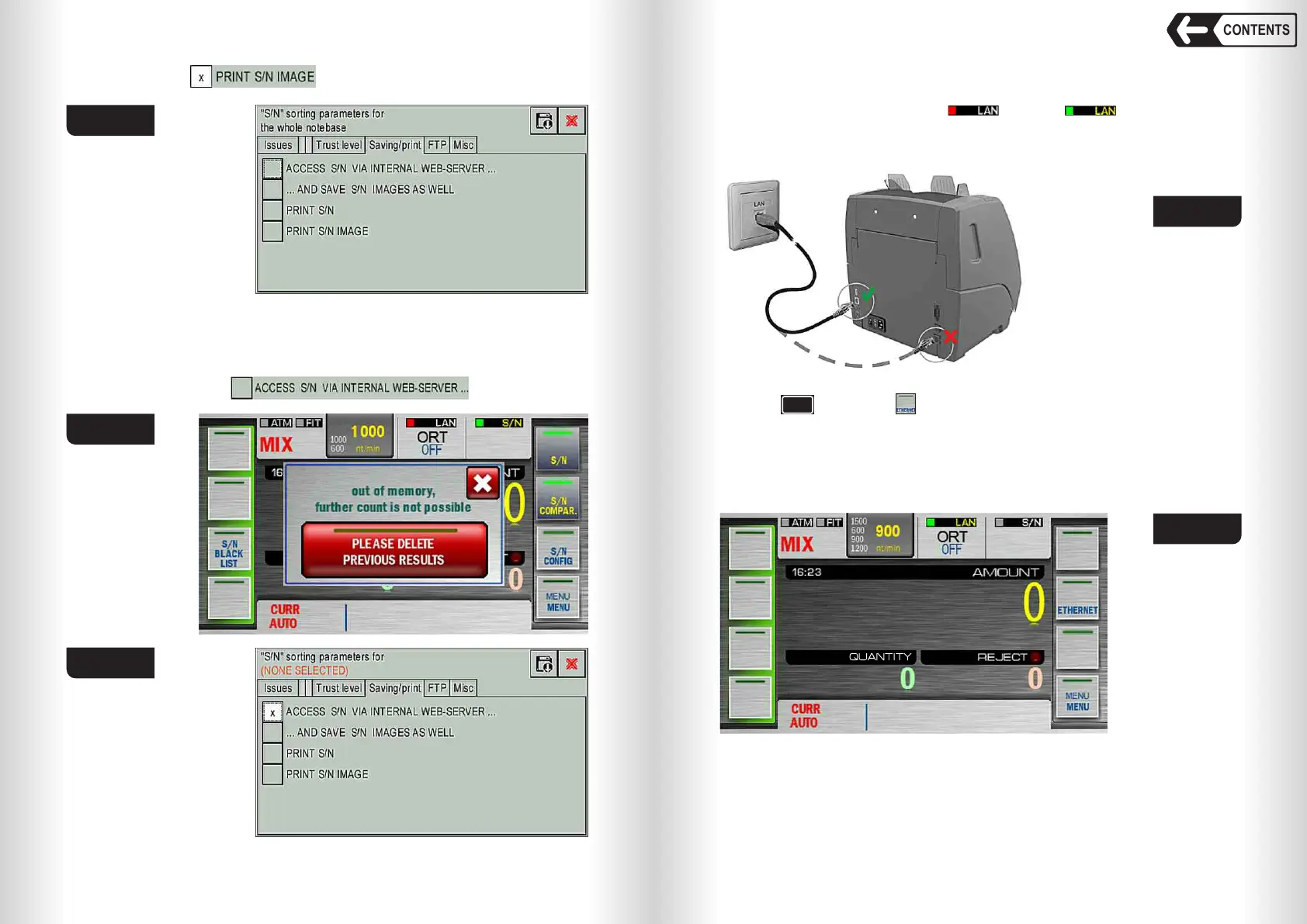
Fig. 78
Fig. 79
Fig. 80
Fig. 81
Configure the LAN settings in the counter
Touch , then touch (see Fig. 82). The network configuration window
will open (see Fig. 83).
Enter the IP address of the counter, subnet mask and gateway. These
settings are entered by the administrator of the local network. The
administrator also configures the local network to allow the passage of HTTP
packets from the built-in web server to the computer on which the counts’ data
will be stored.
FUNCTION
Fig. 82
To enter the page of the embedded web server, enter the IP address
specified in the counter settings (in this example 192.168.103.2) in the
address bar of the browser and press Enter (the browser settings are carried
out by the local network administrator). A page with the counts will open in the
browser (see Fig. 84). It contains the information about the available single
counts: their number, a unique number for each count, the number of
Connect the Ethernet connector of the counter (item 18 Fig. 2) to LAN wall
outlet or to the computer (see Fig. 81). LAN connection indicator (item 1 Fig.
61) will change its colour from red to green . Blinking indicator
(green/blue or green/grey) means exchanging the data with the server.
WARNING: Do not connect Ethernet cable to the wrong connector, it may
damage the device.


 To Next Page
 Loading...


