7
6
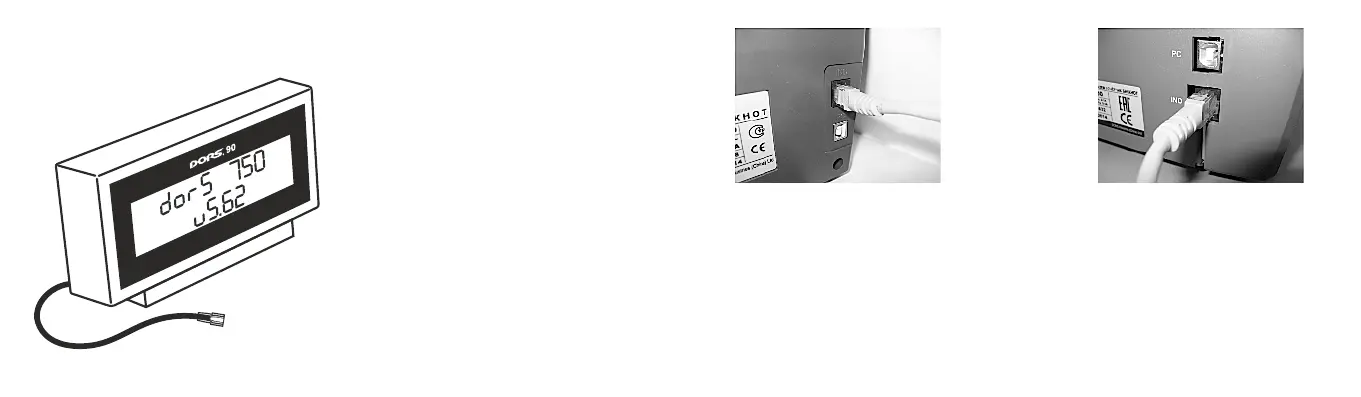
Fig. 3
LCD-display
Preparing for Operation
1. Make sure that the safety precautions
specified in the relevant section of the
manual are kept.
2. Before starting it is necessary to switch off
the banknote counter to which you are
going to connect the external display.
3. Connect the display power cord
(connector type RJ45) to connector «IND»
on the rear panel of the banknote counter
(see Fig.4, Fig. 5).
Fig. 4 Connection of display
to the banknote counters
DORS 700/750.
Fig. 5 Connection of display
to the banknote counter
DORS 800.
4. Use a power cord to connect the counter to the power network (if it was not connected).
Operation
Use a power switch to switch the banknote counter on. After you have done it, a process of
self-testing is activated. After self-testing is over, the display shows the model of the banknote
counter and the version of software (see Fig. 3)
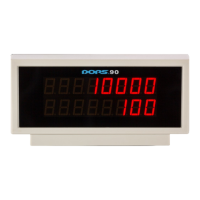
UNIVERSAL EXTERNAL DISPLAY DORS 90UNIVERSAL EXTERNAL DISPLAY DORS 90


 To Next Page