EN
1. Packing Content
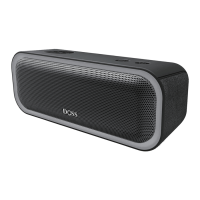
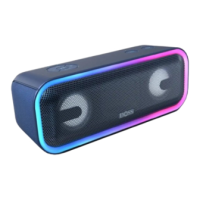
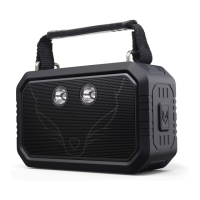
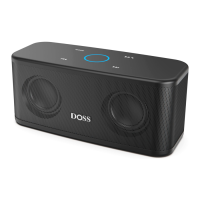
• 1 x SoundBox Plus
• 1 x USB-C charging cable
• 1 x User manual
2. Specification
• Output power: 8W x 2
• lnput: DC 5V 2A
• Battery: 3.7V 3200mAh
• Unit dimension: 7.6 x 3.3 x 3.1 inches
• Play time: Up to 20 hours (50% volume without lights)
• Warranty: One-year limited
• Bluetooth distance: 66ft
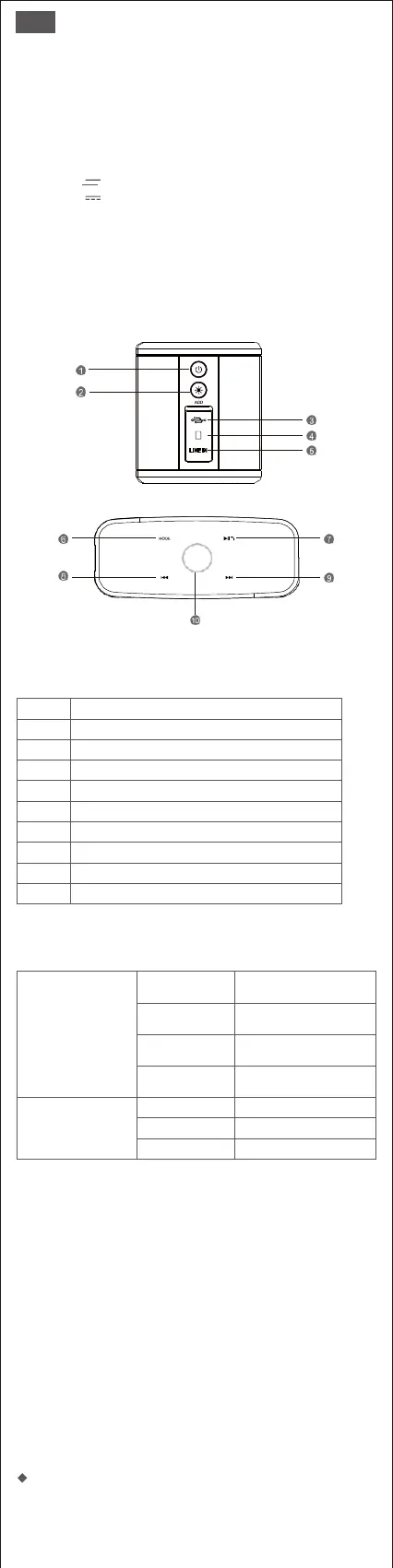
3. Illustration
4.Buttons and Controls
Center indicator/
Control button
Indicates that the speaker has
entered into the pairing mode
and it is ready to be paired
Indicates that the device is
successfully paired
Indicates that the device has
switched to the auxiliary input
mode
Indicates that the device has
switched to the TF mode
6. Preparation
• Use the supplied charging cable to charge your portable speaker directly from
your computer micro USB port or the cellphone adapter. (please cofirm its
output is 5V)
• Make sure that the speaker is fully charged before using it for the first time.
• The LED light will remain RED when charging and turn off once fully charged.
Note:
1. If the speaker beeps every few seconds, please recharge it for 3-4
hours.
2. The speaker has a built-in battery-saver mode, which will automatically
power off if not in use for 15 minutes. This function can be disabled via
touch control. Please see the operations page. For further assistance,
please contact: support@dossav.com
7.Operations
Multifunctional buttons


 To Next Page