10
Helpline No. UK/Northern Ireland 01270 508538 Rep.Ireland 1800 995 036
Web Support www.quesh.co.uk
Model No: 44216
11
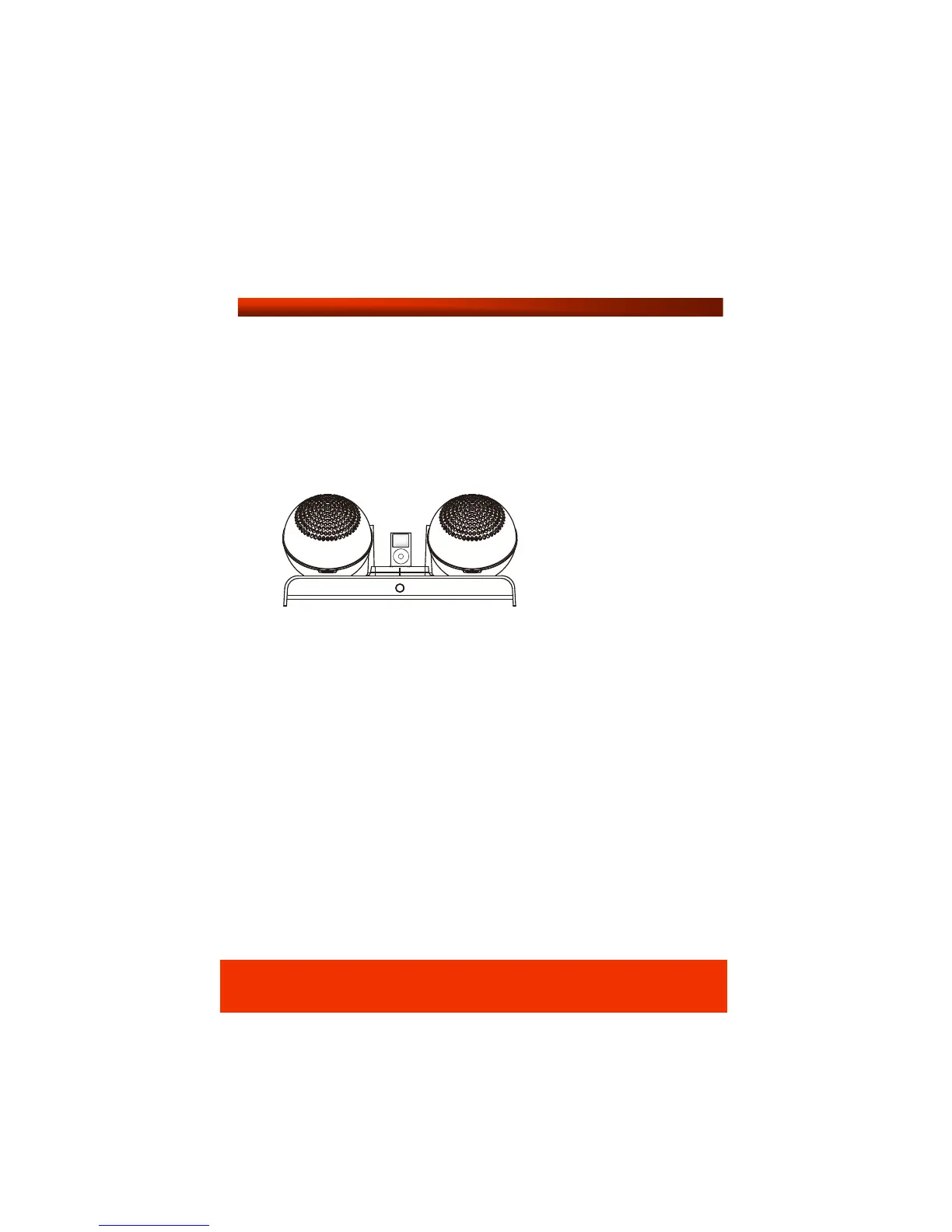
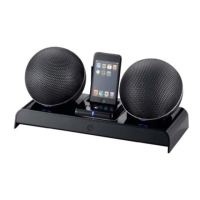
Playing iPod
Press the power button on the base station to turn the unit on.
Switch on each speaker, then switch on your iPod in the usual
manual and select a music track or album to play. Now choose
the best channel using the frequency channel switch located
at the rear of the unit.
Note: If you experience any sound interference, try selecting
another channel. There are 3 channels to choose from for the
best reception.
Occasionally the speakers give off a little noise after the power is
turned on. This is perfectly normal as the unit is searching for the
wireless connection. The noise will stop after connection is
paired.
You can use the Vol + or Vol – to adjust the sound level.
The speakers can be taken off the base station and moved freely
around your home up to a range of 30 metres.
Note: To preserve battery power, the unit switches to standby
automatically when not in use. It will function within 10 seconds
when the power is switched back on.


 To Next Page