Helpline No. UK/Northern Ireland 01270 508538 Rep.Ireland 1800 995 036
Web Support www.quesh.co.uk
Model No: 44216
8
Setting up your wireless speakers
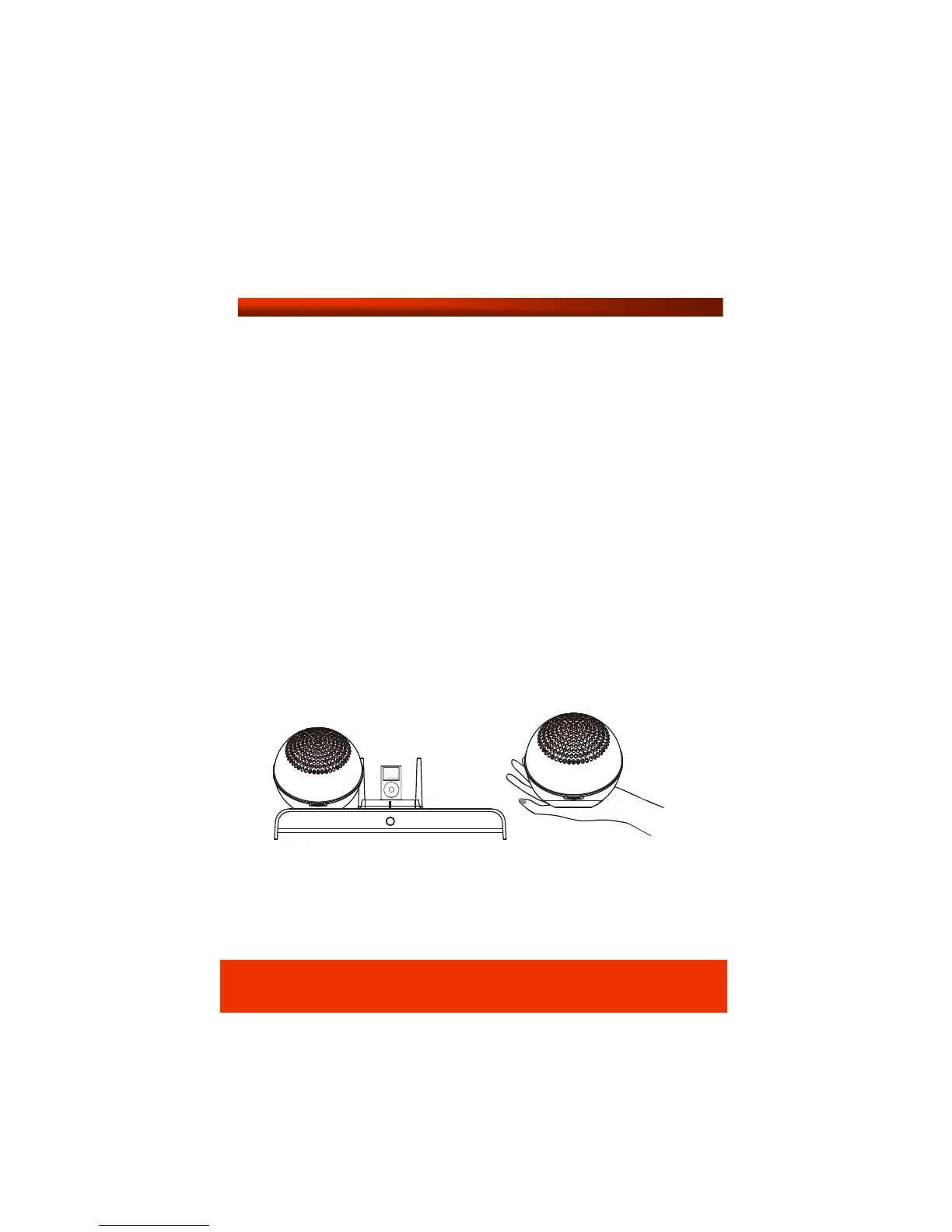
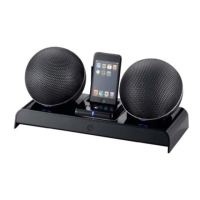
Once you have connected the base station to a power source,
position the two speaker capsules on the base station ensuring
they are firmly in place. A red LED light will appear on each
speaker to indicate automatic charging. We recommend
charging the speakers for 4 hours before first use. The LED light
will change to green when the speakers are fully charged. Once
the speakers are fully charged you can remove them from the
base station. To switch the speakers on, simply turn the volume
wheel to the right until it clicks. A blue LED light will be
displayed on the volume indicator. The wireless function will be
activated automatically as soon as the speakers are removed
from the base station. The wireless operating range is up to 30
metres in an open area without interference.


 To Next Page