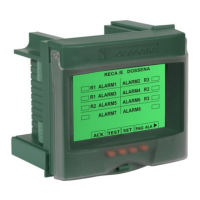
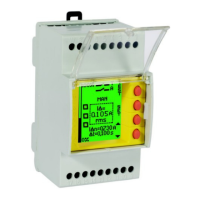
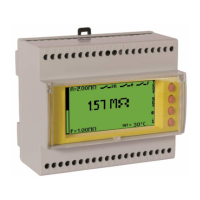
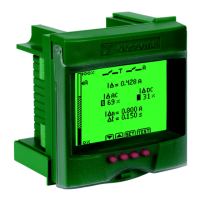
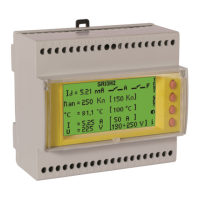
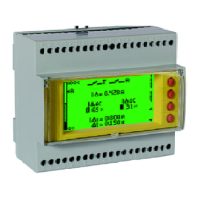
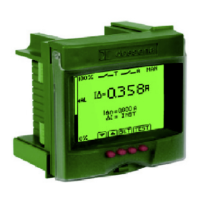
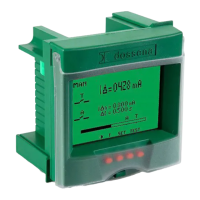
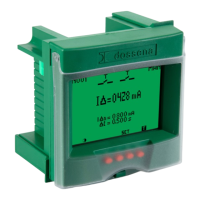
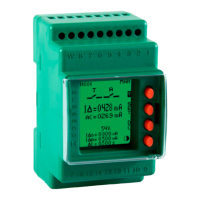
RECA/E8CC COD:9RECA/E8CC Relè elettronico per gestione allarmi / Electronic relay for alarms management
COD:9RECA/E8CCRS485 Relè elettronico per gestione allarmi / Electronic relay for alarms management
TEST
Per effettuare il TEST che verifica il buon funzionamento del dispositivo, premere il tasto di TEST.
To perform the TEST which verify the good working of device, push the TEST button.
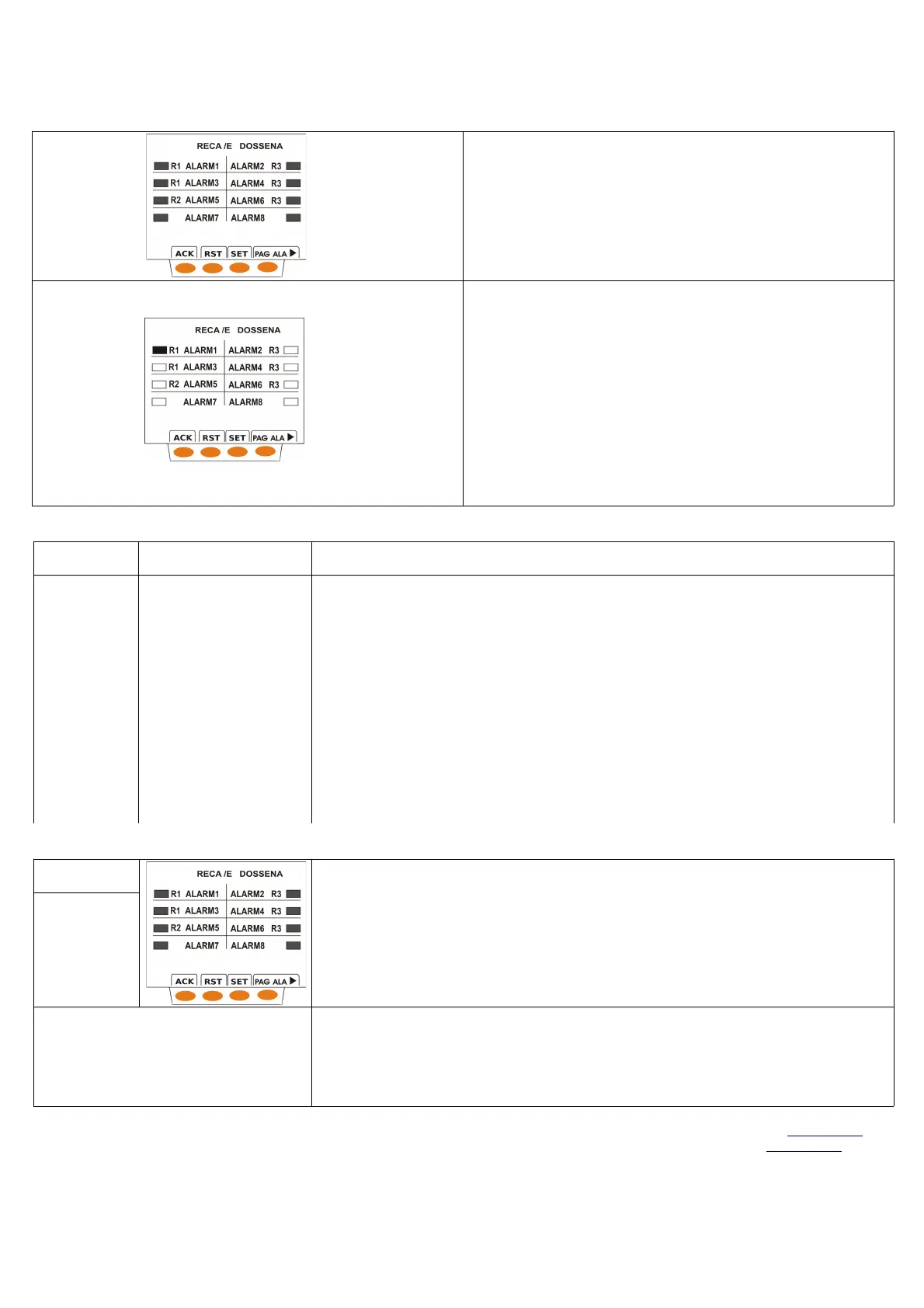
Premere il tasto di TEST per l'attivazione in automatico di tutti gli allarmi. Il display
diventa rosso, si attiva la sirena, i rettangoli associati ai relativi allarmi si anneriscono, il
primo fuori, se debitamente impostato si annerisce e lampeggia. In modalità manuale,
per tacitare la sirena premere ACK; premere RST per resettare lo strumento ed il
display tornerà del colore prescelto (es display verde).
Push the TEST, for automatic activation of all alarms will .The display appears red, the
sirene become active, rectangles will active( become dark),1
st
out, if it previous
setted,will flash. In manual mode push ACK to silence the sirene ; push RST and
display backs to color preset (ex. green)
Premendo il tasto TEST in ogni singola pagina di allarme si provocherà l'attivazione in
automatico del singolo allarme a cui la pagina è dedicata.
Il display si colorerà in relazione al tipo di relè associato a quell'allarme (R1: ROSSO
fisso, R2: ROSSO-GIALLO lampeggiante, R3 e NO LOW:GIALLO fisso). La sirena si
attiverà. Effettuato il TEST per singolo allarme si ritorna in automatico nella pagina
generale degli allarmi dove si potrà vedere che il rettangolo relativo all'allarme attivato è
pieno, se impostato come 1°fuori, lampeggerà. Dopo aver tacitato la sirena premendo
ACK è possibile resettare il dispositivo premendo RST (se impostato reset manuale), il
display tornerà del colore prescelto (es verde).
Push the TEST button in each single alarm page and in automatic the single alarm of
this page will active. The display will color in relation to relays associated to this alarm
(R1:RED fix, R2:RED-YELLOW flashing, R3 and NO:YELLOW fix). The sirene will
active.Performed the TEST for each single alarm it backs to General Synoptic page
where it's possible see the rectangle relative to alarm actived is filled, if 1st out is setted
the rectangle associated to it will flash.After silence the sirene by pushing ACK it's
possible reset the device by pushing RST (if manual reset is setted),display backs to
color preset.
AUTO-DIAGNOSTICA / SELF-DIAGNOSTIC
Display Indicazione diagnostica
Diagnostic Indication
Causa/Cause
Rosso
RED
ERRORE INTERNO
TEMPERATURA
INTERNAL ERROR
TEMPERATURE
ERRORE INTERNO
ALIMENTAZIONE
INTERNAL ERROR
WRONG SUPPLY
ERRORE INTERNO
STRUMENTO
INTERNAL ERROR
DEVICE
Nel caso venga rilevato uno dei seguenti allarmi: ERRORE INTERNO TEMPERATURA, ERRORE INTERNO
ALIMENTAZIONE, ERRORE INTERNO STRUMENTO, il display diventa rosso fisso, appare lo specifico messaggio
diagnostico e si attiva la sirena; per tacitarla premere uno qualunque dei pulsanti. In queste condizioni lo strumento non
assicura le proprie funzionalità per cui mettere lo strumento fuori servizio e contattare la sede Dossena.
In case the device detects the follows alarms: INTERNAL ERROR TEMPERATURE, INTERNAL ERROR WRONG
SUPPLY, INTERNAL ERROR DEVICE, the display become red fixed, appear the specific diagnostic message and
sirene will active.To silence the sirene push any one of buttons.In these conditions the device does not ensure its
features,it's necessary put the device out of service and contact Dossena.
ERRORE INTERNO TEMPERATURA:La temperatura interna è troppo elevata per consentire un corretto
funzionamento del dispositivo
INTERNAL ERROR TEMPERATURE: The internal temperature is too high to allow a correct operation of device
ERRORE INTERNO ALIMENTAZIONE : Alimentazione del dispositivo errata (controllare codice di ordinazione
prodotto e verificare alimentazione ausiliaria)
INTERNAL ERROR WRONG SUPPLY : Wrong power supply of device (check order code of product and verify
auxiliary power supply)
ERRORE INTERNO STRUMENTO: Anomalia interna al prodotto
INTERNAL ERROR DEVICE: Internal anomaly of product
ALLARMI /ALARMS
Display Lo strumento non appena rileva ad uno dei suoi ingressi l'intervento di un allarme, provvede a:
comandare il relè associato a quell'allarme, colorare il display del colore associato alla gravità dell'allarme intercorso
(R1 rosso fisso, R2 rosso-giallo lampeggiante, R3 e NO giallo fisso), annerire il rettangolo a fianco al nome dell'allarme.
Il primo fuori avrà lampeggiante il rettangolo (se l'utente avrà scelto di attivarne l'opzione).
Se sono attivi più allarmi contemporaneamente il colore del display è riferito all'allarme più grave in corso.
When the device detects in one of its inputs an alarm intervened ,it provides to:
pilot the relay associated to that alarm,color the display in relation of severity of alarm happened(R1red fix,R2red-
yellow flashing,R3and NO (yellow fix),the rectangles near alarm name become black, flashing the writing that describe
the alarm name. The first out will flash the rectangle (if end user active the option 1
st
out).If there are actived a lot of
alarms, the display colors remain with the color of alarm more important .
ROSSO
RED
ROSSOGIALLO
RED-YELLOW
GIALLO
YELLOW
PRIMO FUORI-1
st
OUT
Al presentarsi degli allarmi il dispositivo è in grado di riconoscere il primo allarme intervenuto in campo (1°fuori). Per
attivare il 1°fuori entrare nel SETUP dello strumento premendo per almeno 3 sec il tasto di SET e al presentarsi del
parametro lampeggiante PRIMO FUORI selezionare Y (Yes). Il 1°fuori si riconoscerà dagli altri allarmi perché in caso
di allarme lampeggerà il rettangolo ad esso associato.
The device is able to recognize the 1
st
alarm intervened in field. To active the 1
st
out enter in SETUP of device and push
for at least 3sec the button SET and when the parameters FIRST OUT flash select Y (Yes). The 1
st
out is
recognizable beacuse in alarm case will flash the rectangle associated to its.
Nota: Con codici 9RECA/E8RS485, 9RECA/E8CCRS485 il protocollo di comunicazione seriale è MODBUS RTU. E' possibile scaricare il protocollo sul sito www.dossena.it
Note: With codes 9RECA/E8RS485, 9RECA/E8CCRS485 the serial communication protocol is MODBUS RTU. It's possible download the protocol at www.dossena.it
MU 1181 Rev. 02 01/06/12


 To Previous Page
 Loading...