11
3-3. Data Upload
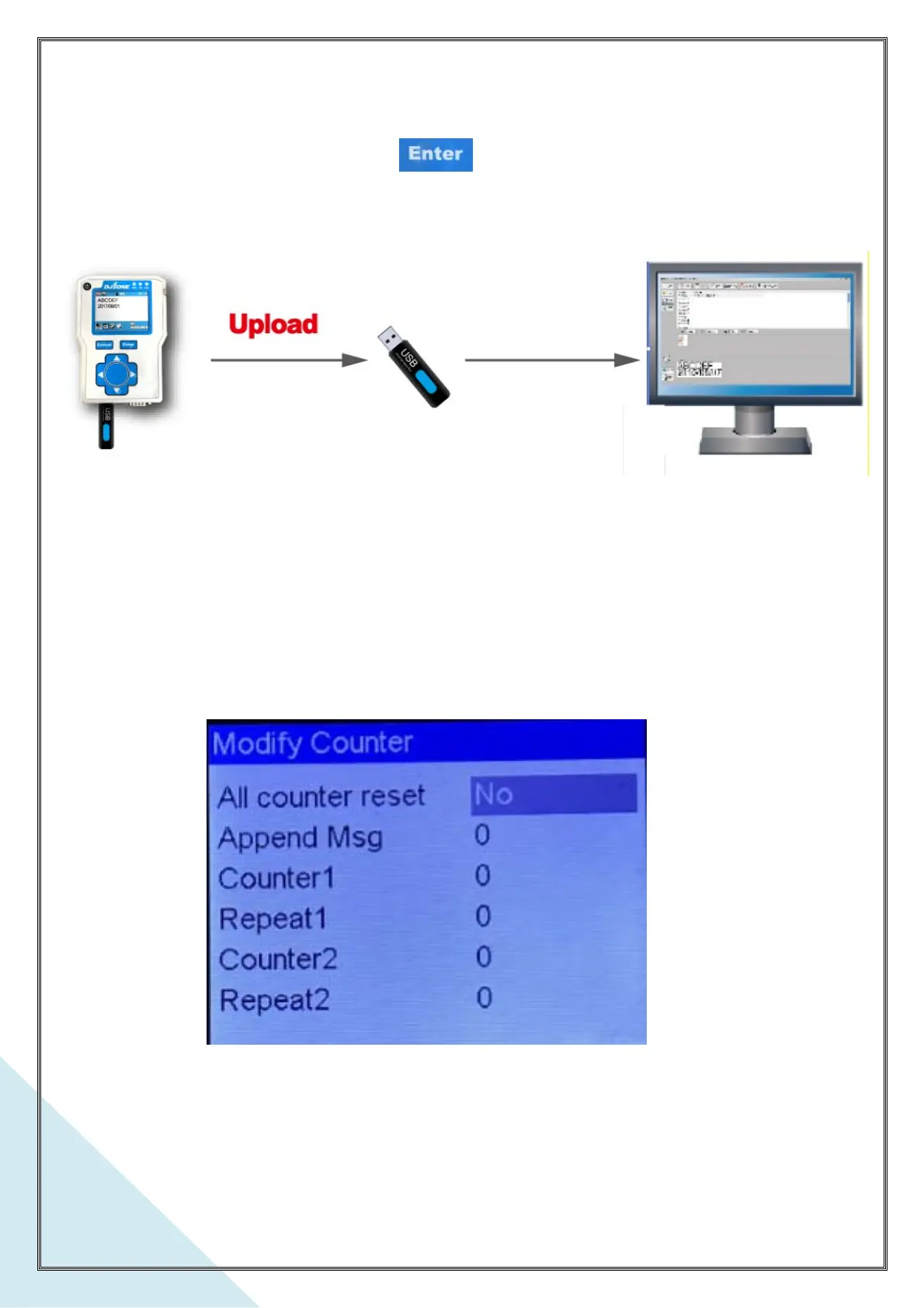
Back-up print messages and parameters. Plug an USB stick into the DJ1 printer
controller’s USB port, and press . All messages and parameters will upload to
the USB stick automatically. These backed up messages can be re-edit by DotW_One
software. Refer to the DotW_One operation manual for print message edit.
3-4. Modify Counter:
The counters re-setup including the ones in the appendant messages. If there are no
message appended, the item Append Msg is showing “ 0 “.
a. All Counter Reset
Select “Yes”, all the counters including in the appendant message will to be reset.



 To Next Page