10
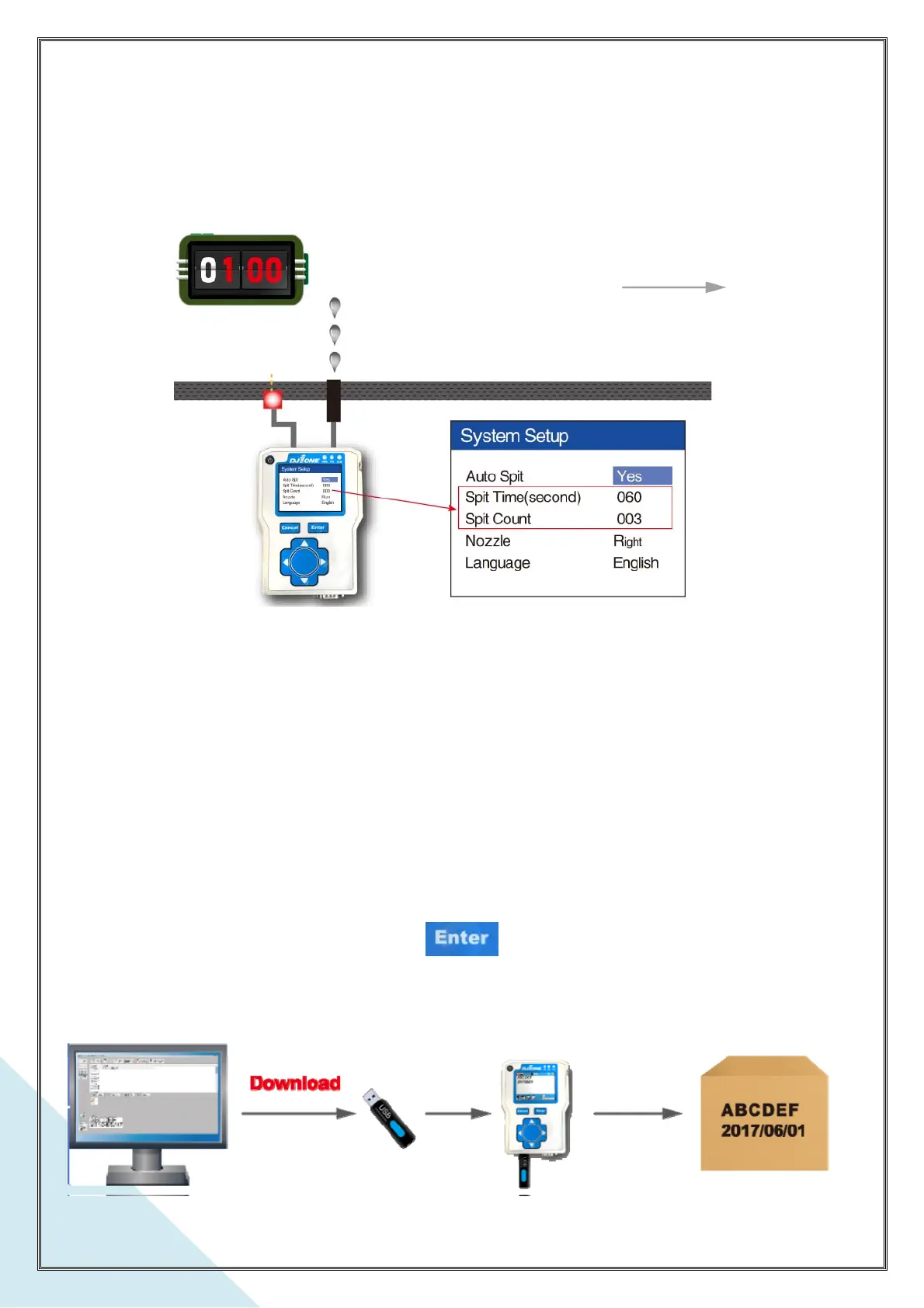
c. Spitting Count
To avoid poor quality prints after a long time break in printing ( ink can dry out in the nozzle),
use “spit”. “Spit Count” is set for the print head nozzle to auto-spit a certain ink droplets
during the print break. It can be set from 000 – 999 droplets(Lines) per spitting.
d. Nozzle
There are two nozzles on the cartridge. Select right or left nozzle enabled to auto spit.
3-2. Data Download
Print message is created and edited on a PC software DotW_One. Saving the message
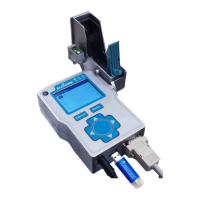
files in an USB stick. Then plug the USB stick into DJ1 printer controller’s USB Port,
select Download Data and press . The DJ1 printer controller will download the
print messages from the USB stick automatically. Refer to the DotW_One operation
manual for print message creation.



 To Next Page