© 2016, Double Apex LLC. All rights reserved. Rev3
18
Step 5:
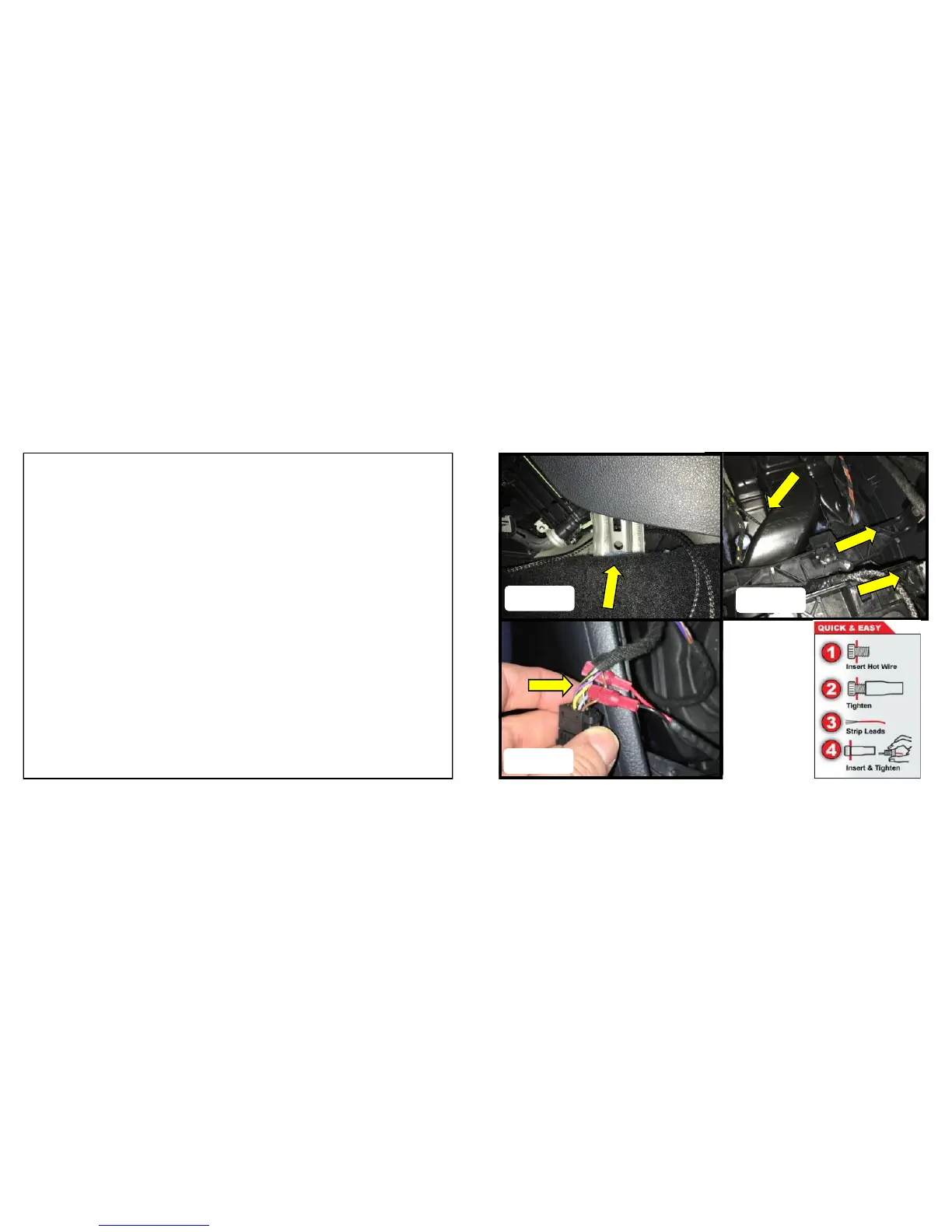
1. Route the harness behind the metal support bar and into the
center compartment opening. Figure A
2. Route the harness under the HVAC ducting and under the plas-
tic dash support beams into the area around the shifter. Figure
B
3. Attached the short leads on the Garage Control button harness
to the harness for the left side button cluster. Using the Posi-
Taps connect the red wire to the grey wire and the black wire to
the brown wire. Make sure the wires are secure and no bare
wire is showing. Take care not to drop the Posi-Taps. Figure
C / D


 To Next Page
 Loading...