© 2016, Double Apex LLC. All rights reserved. Rev3
16
Step 4:
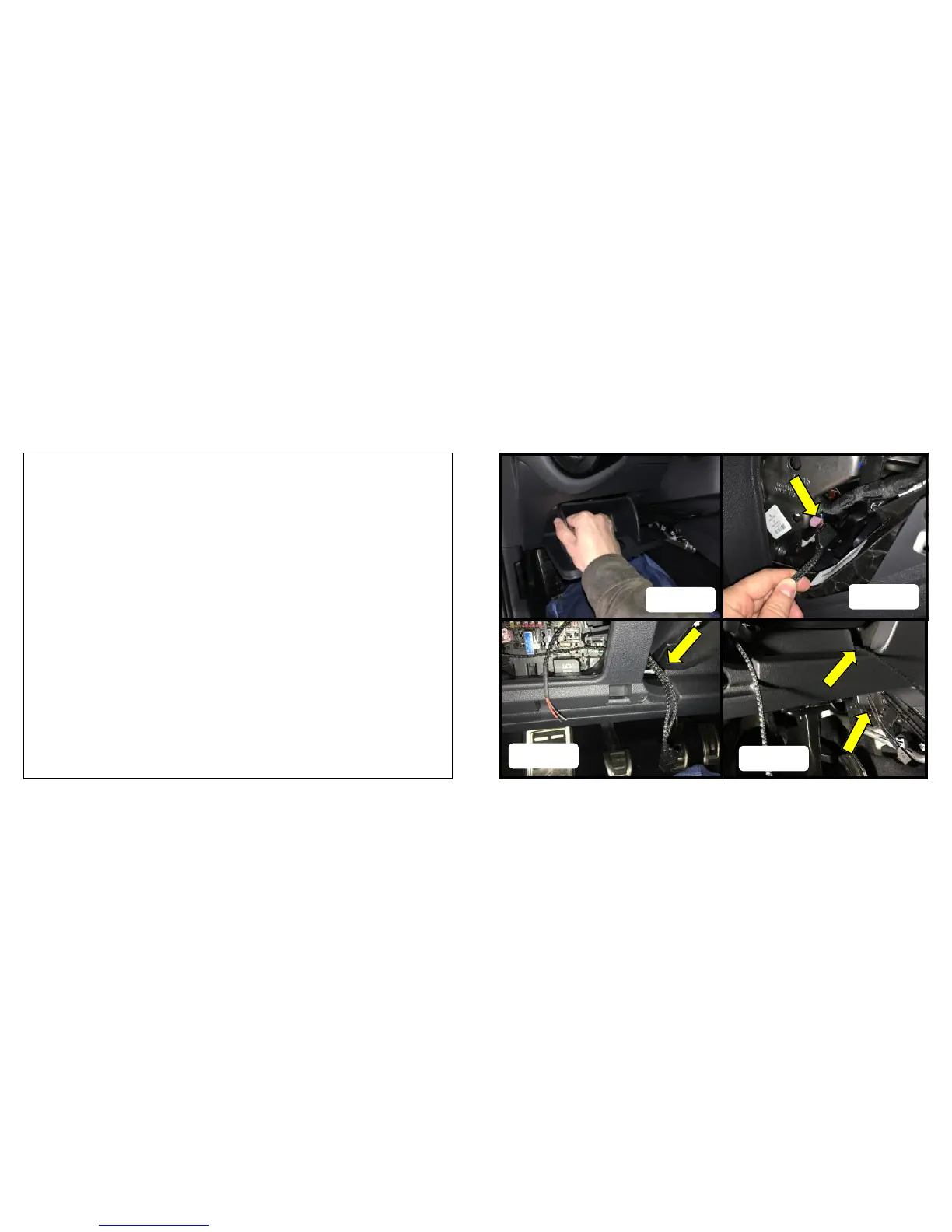
1. Remove the driver side storage compartment. With the door
open put pressure on outside of the compartment’s left wall
while pull outwards to release. Figure A
2. Insert the end of the button harness with the 10 pin connector
through the dash opening. Figure B
3. Route the harness across the fuse panel and out the opening to
the left of the steering column. Figure C
4. Route the harness through the opening on the right of the steer-
ing column and out the back right side of the under dash panel.
Warning: If the harness becomes caught up do not use ex-
cessive force to dislodge. Doing so could cause damage.


 To Next Page
 Loading...