When sound machine is ON, press the “ ”
or “ ” button to select the soothing sound.
10
Picking Your Sounds
Sound Machine Setting
Press the “ ” button to turn ON/OFF the
sound machine.
1.
2.
Press the “ ” or “ ” button to select the
volume level. (0-30 level adjustable)
Note:
When sound machine is on, the volume
adjustment is only used for sound machine, and
the volume of the alarm will not be affected.
3.
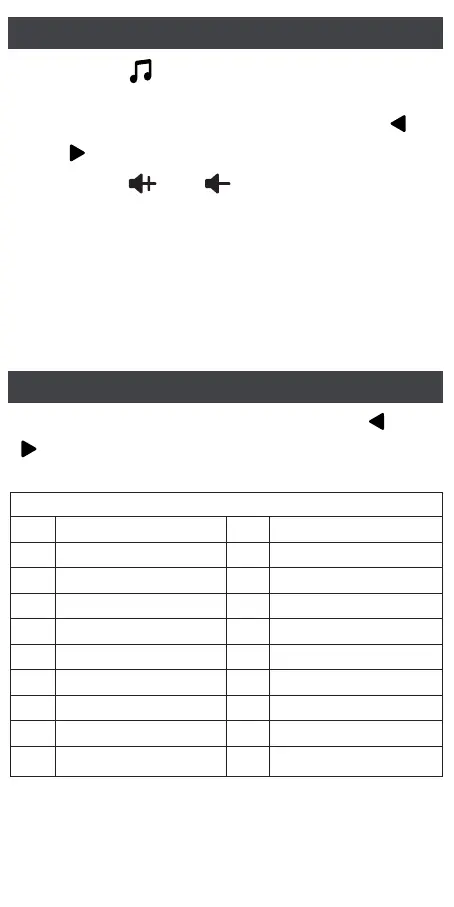
Here is the list of tracks
S01 White Noise 1
White Noise 2
White Noise 3
White Noise 4
White Noise 5
Fan 1
Fan 2
Fan 3
Lullaby 1
Lullaby 2
Rain
Thunderstorm
Campfire
Brook
Ocean Waves
Bird Chirping
Frog
Cricket
Heartbeat
Meditation Music
S02
S03
S04
S05
S06
S07
S08
S09
S10
S11
S12
S13
S14
S15
S16
S17
S18
S19
S20
Note:
There are 2 notification sounds when you pick
the sound: start of S01, start of S20.
When sound machine is ON, press the “ ” or
“ ” button to switch among all the 20 sounds in
sequence.



 To Next Page