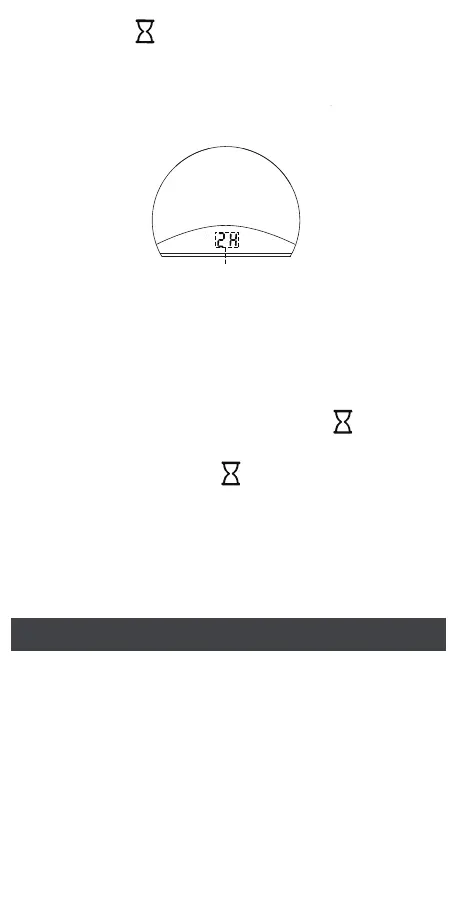
12
Sleep timer: 2 hours
After selecting the desired timer, wait for 5
seconds without further operation. The clock
will automatically exit Sleep Timer Setting
mode and save the settings.
2.
Press the “ ” button to enter the Sleep
Timer setting. You can select the sleep timer
from 1 hour, 2 hours, 3 hours, or the OFF
option. The sleep timer is shown on the
display.
1.
Display Brightness Setting
Scroll the display dimmer dial at the back of the
machine to adjust the display brightness. (It can
be adjusted from 0 to 100%)
After setting the timer, press the “ ” button
to check the remaining time of the timer.
3.
Note:
The sleep timer can only be turned on when
sound machine/ night light is on.
•
Press and hold the “ ” button for 2 seconds
to turn off the timer, and the word “OFF” will
be shown on the display.
4.



 To Next Page