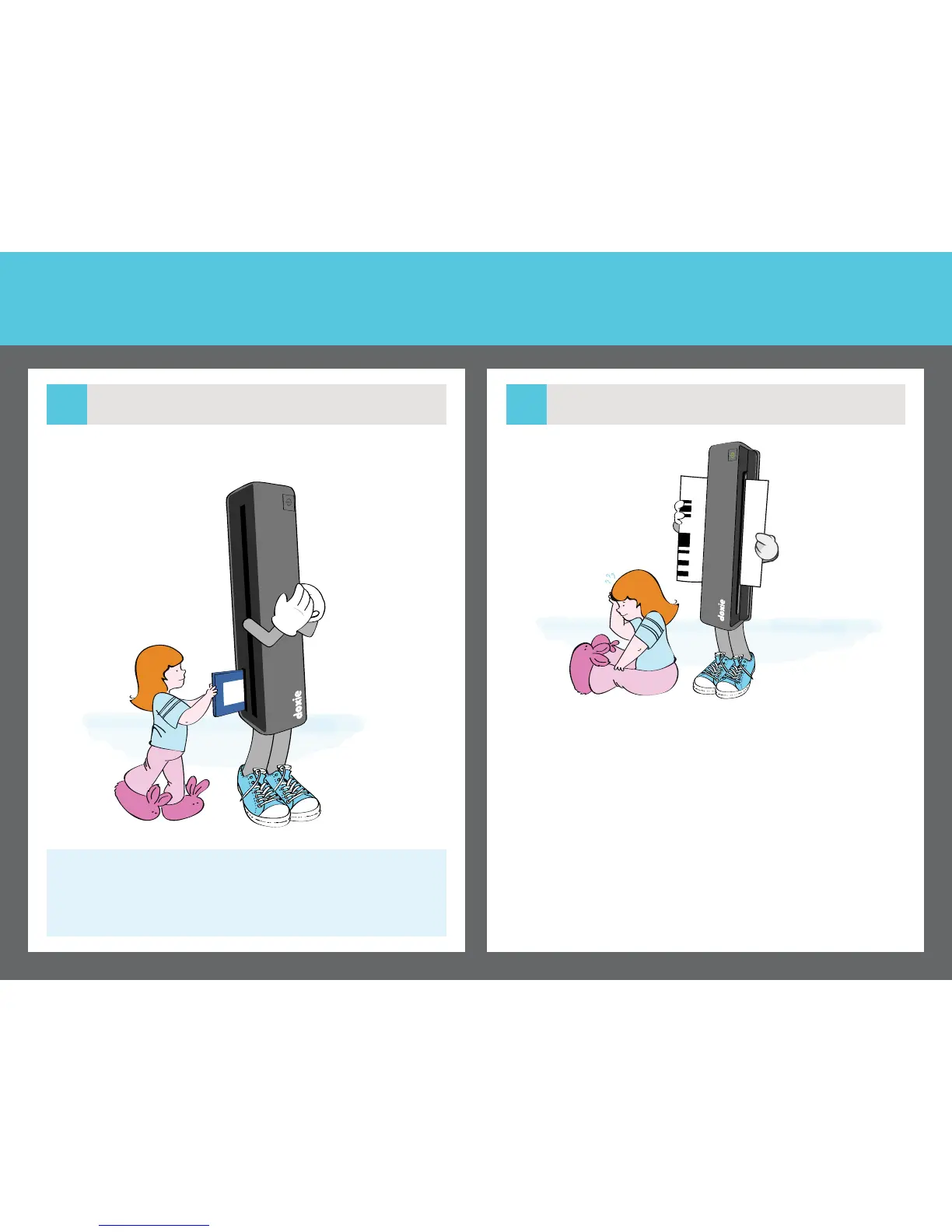
Insert Doxie’s memory card. Your scans will be stored on this card.
Press and hold the power button for a second to turn on Doxie. The
light turns solid when Doxie is ready to scan.
Turn on Doxie
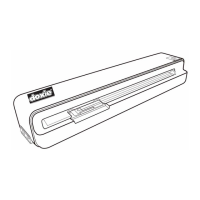
Before scanning for the rst time, insert the calibration sheet barcode
side up. After automatic calibration, Doxie is ready to scan.
Calibrate
If the light blinks rapidly, ensure the SD card is properly inserted.
Insert Memory
1.3
Calibration
1.4
Doxie’s included SD card is just like those used
with digital cameras.


 To Next Page