A-10
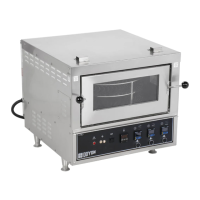
INSTRUCTIONS FOR OVEN
COOKING TIMER
Set the baking time required with the small push button on the timer. The yellow display is the
setting time and the red display is the countdown time (Ex: 25 minutes = set 2500 on green display).
After setting: Push the START/STOP button then, when the time is expired, the buzzer will rings.
Push the START/STOP button again to stop the buzzer.
If you want to restart the time in the middle of the countdown, press on the yellow RST button on the
timer.
P.S.The timer is simply a reminder for the approximate duration of the baking time.
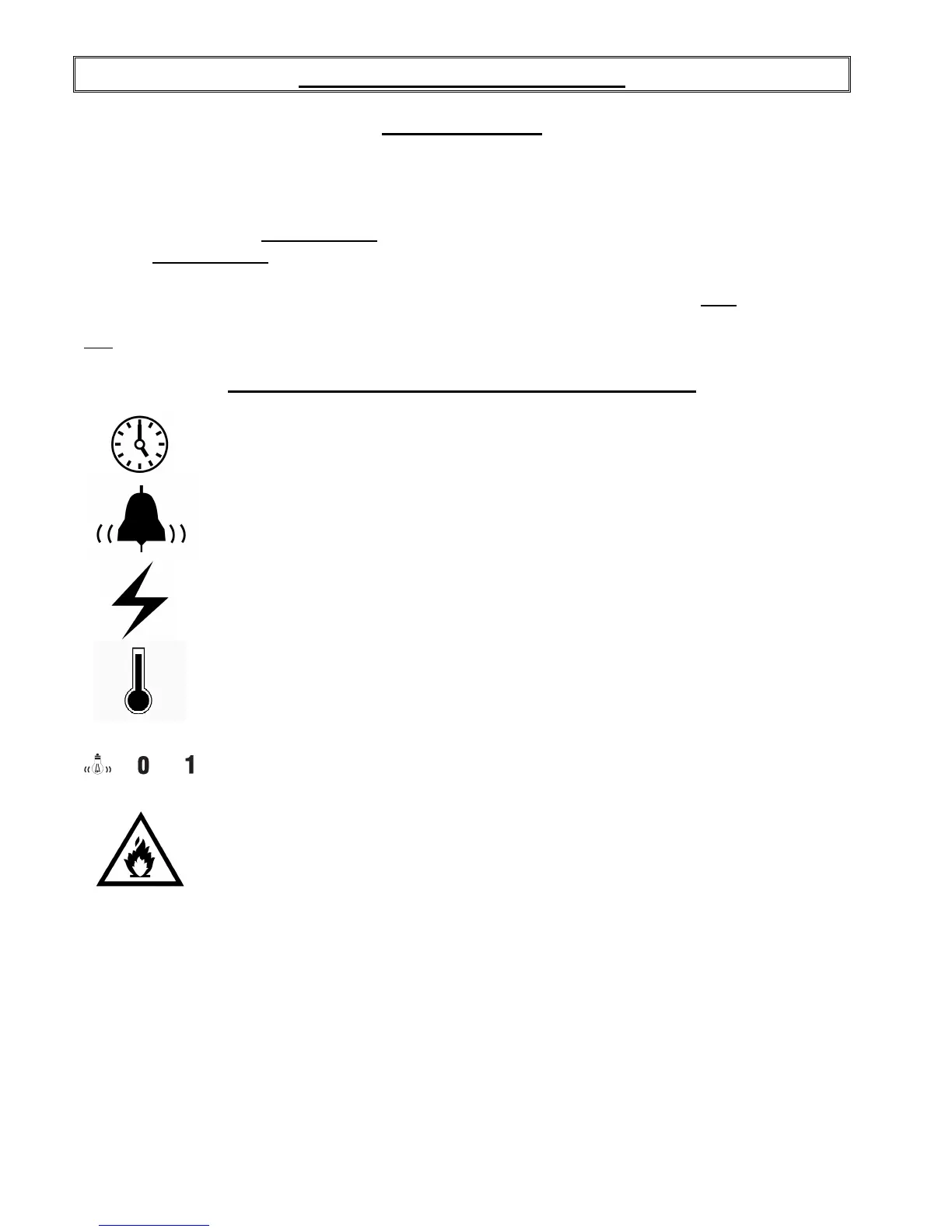
FRONT CONTROL PANEL SYMBOL SIGNIFICATION
Cooking timer
On / Off cooking timer switch
Breaker
Temperature control
OFF/ON main power switch
Overheat alarm


 To Next Page