Introduction for wireless mode
How to charge the battery
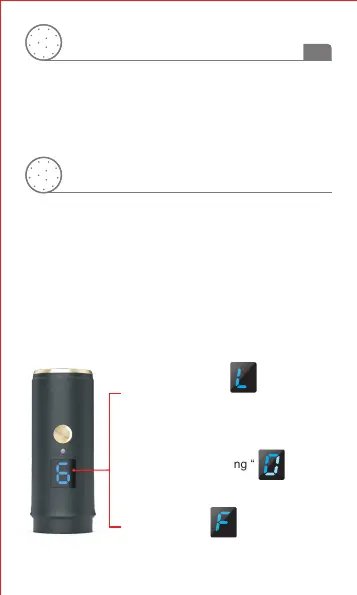
The pen show spinning “ ”
while charging .
The pen show “ ”
when charging is completed.
Connect the power cable with adapter to the power interface
of device and plug the adapter into a live AC outlet to charge
the device. Charging will be completed about 2 hours.
The number of speed flashes slowly when the battery
capacity 10% left .
The pen turn off automatically after 1 minute while
the number of speed flashes quickly .
The pen show “ ” after
restarting if it turn off automatically
because of low battery.
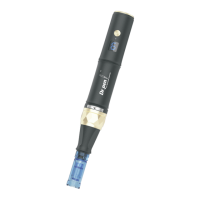
This device is powered by a built-in battery. It can work
wirelessly. The power cable and the adapter are used to
charge the device when it is out of battery.
4
EN


 To Next Page