ChargingStatus
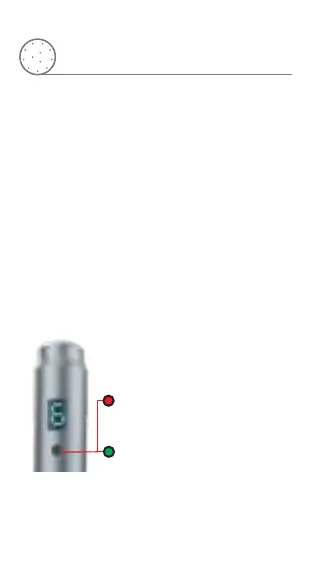
The power indicator turns green
after charging completed
The power indicator stays red
while charging
The instrument used with both built-in battery or
AC power
1.Plug in DC adaptor to the jack
2.Plug in DC adaptor to AC outlet
3.To charge the battery:Plug the adapter into an
outlet and connect it to the power interface
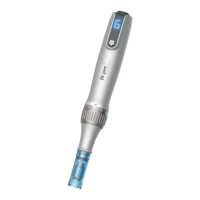
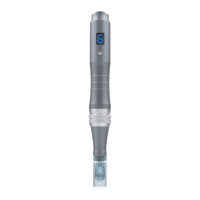
Wireless Model: Dr pen M8-W
Wired Model: Dr pen M8-C
The instrument used with with AC power only
How to operate


 To Next Page