Alarms
140 Instructions for use – Infinity Acute Care System – Monitoring Applications VG6.n
Alarm history after shutdown
The alarm history is maintained until the patient is
discharged. If the Cockpit is turned off and turned
back on, the patient’s alarm history is not affected.
However, the alarm history will not record the time
of the shut down.
Viewing the alarm history
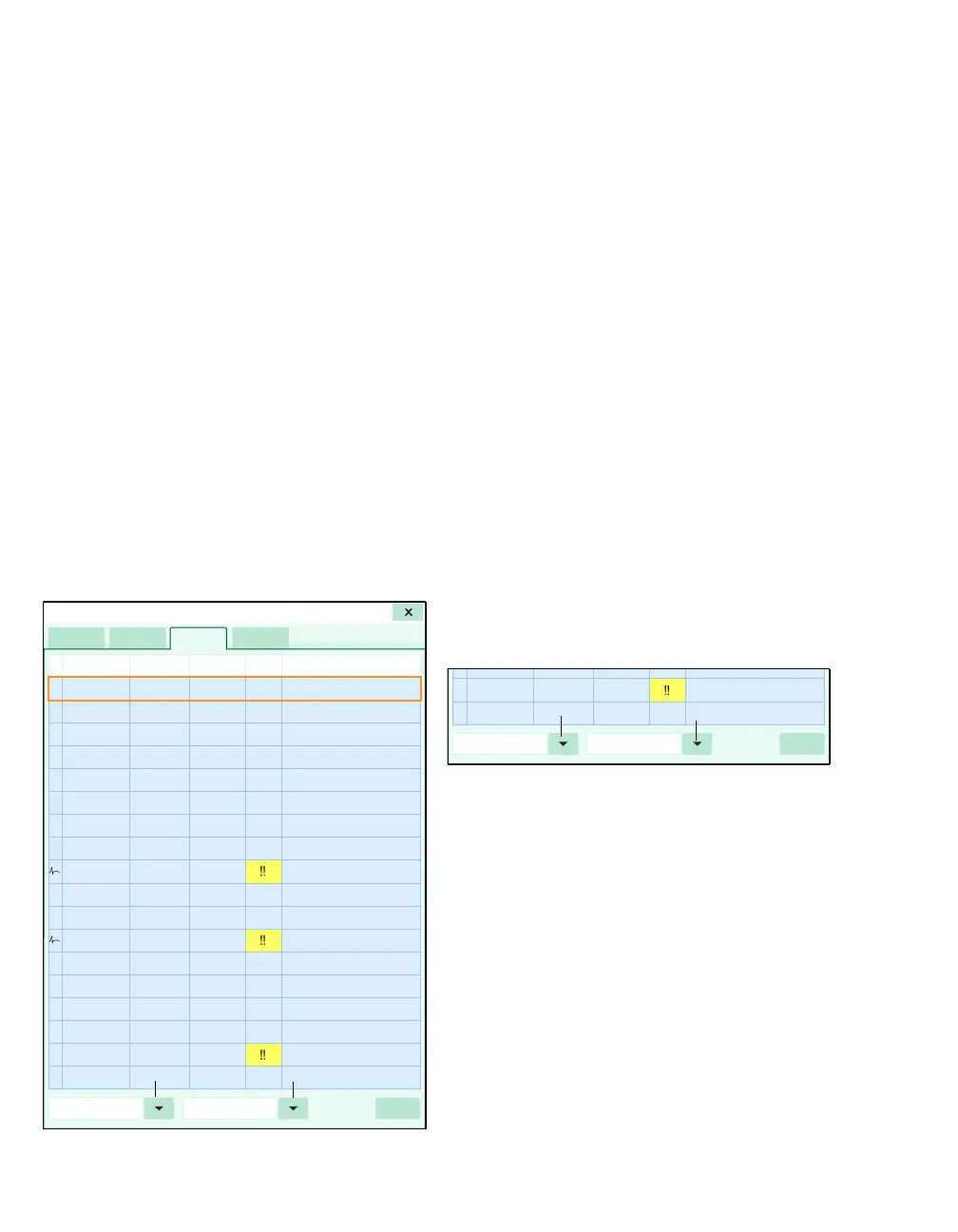
The following diagram shows an alarm history.
When you select any field on the table, a frame
highlights the selected row. For information on what
conditions prompt an entry to be stored in the alarm
history, see page 139.
To access the alarm history
1 Select the Alarms... button on the main menu
bar.
2 Select the Alarm history tab.
A Alarm history tab
B Identifies an event
C Date of the alarm
D Time the alarm was stored
E Duration of the alarm
F Alarm priority
G Alarm message
H Print button for printing an alarm history report
I Button for filtering the alarm history according to
time, priority, or message
J Button for filtering the alarm history according to
category
To filter the alarm history
The alarm history can be filtered according to
different categories as follows:
1 Select the Alarms... button on the main menu
bar.
2 Select the Alarm history tab.
3 Use the left button (J) to restrict the alarm
history to one of the following alarm conditions:
– All
– Arrhythmia
– High-priority
–Medium-priority
– Low-priority
4 Use the second left button (I) to restrict the
alarm history to one of the following settings:
–Time
–Priority
–Message
021
021











 To Next Page