19 | Dräger RVP - Communication | Middelborg/Olsson | November 2011
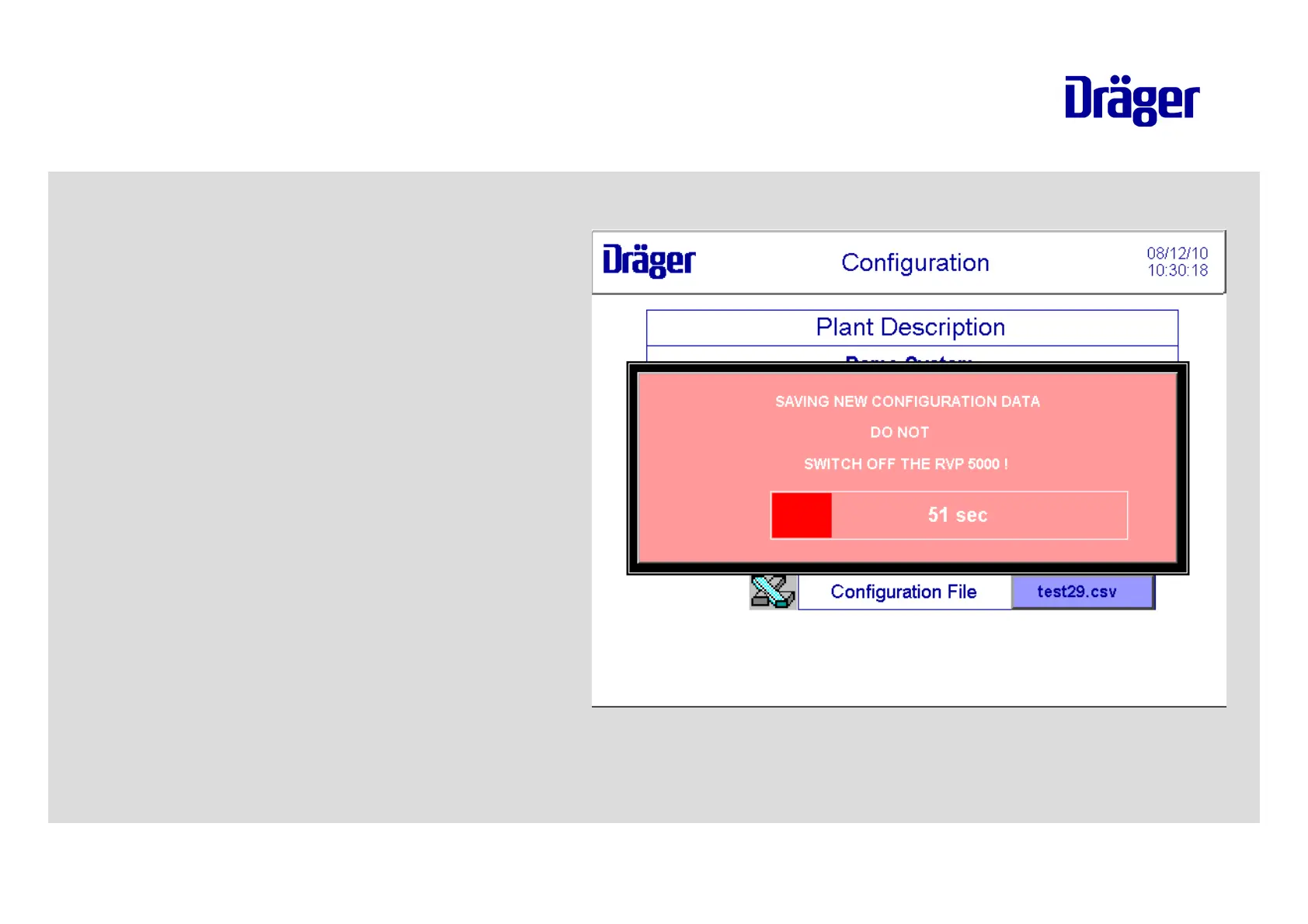
Loading the configuration file on the
RVP 5000:
Login as administrator in the menu
"Settings".
Touch the button "Import
Configuration".
Touch the field below "File Name"
and type in the file name with
extension ".csv".
Touch the button "Import-Conf".
Wait 300 Seconds until the file is
saved in the system.
Dräger RVP - Communication
RVP 5000



 To Next Page
 Loading...



