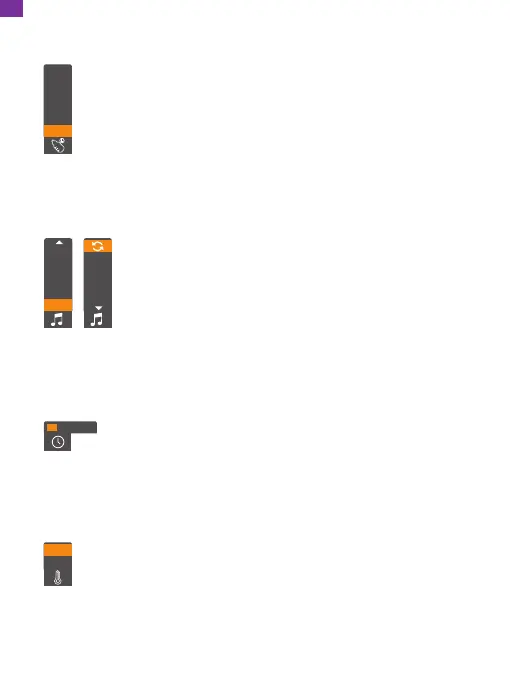
② Lullaby selection setting
Select the lullaby selection setting:
8
7
6
5
4
Press the up or down button to select the lullaby, then press the
OK button to confirm. (There are 10 suboptions: 8 lullabies, OFF,
and loop options) The default is OFF.
5
4
3
2
1
OFF
③ Time setting
Select the time setting:
Press the up or down button to change values, and press the OK
button to move the cursor. Set the hours, minutes, seconds, and
AM or PM in sequence, and then press the OK button to confirm.
④ Temperature unit setting
Select the temperature unit setting:
℃
℉
Press the up or down button to select between Celsius and Fahrenheit,
then press the OK button to confirm. The default unit is Fahrenheit.
10:44:23 AM
① Breast-feeding reminder setting
Select the feeding reminder setting:
4:00
3:00
2:00
1:00
0:30
OFF
Press the up or down button to select the reminder time, then press the
OK button to confirm. (There are 6 suboptions for the feeding reminder
setting: OFF and 5 alarm clocks) The default is OFF.
12
EN


 To Next Page