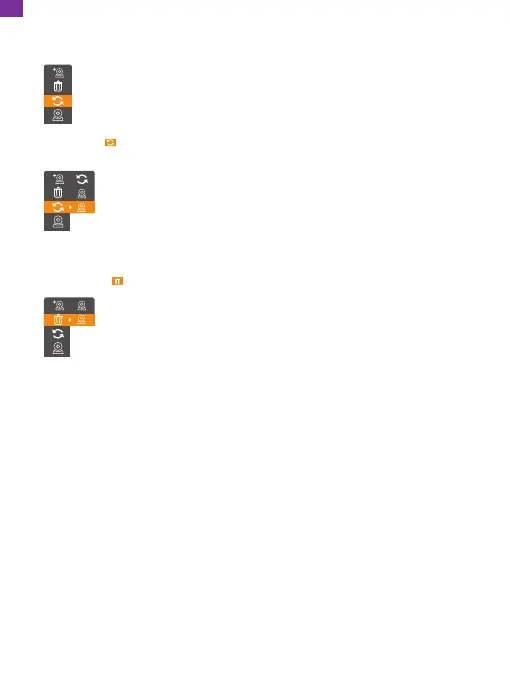
Press the up or down button to select, then press the OK button
to confirm. (The Delete option is to delete a camera that has been
paired successfully). It indicates the deletion is successful when the
icon * on the top-right corner of the camera disappears.
• Select Delete , press the OK button and two suboptions will pop up:
1
2
⑤ Camera setting
Select the camera setting:
Choose from Cycle, Delete, and Add. Press the up or down button to
select, then press the OK button to confirm.
Press the up or down button to select, then press the OK button
to confirm. (Selecting camera 1 means the monitor will display the
footage of the camera 1 only. Selecting camera 2 means the
monitor will display the footage of the camera 2 only. Selecting the
cycle option means the monitor will cycle through the footage of
camera 1 and camera 2).
• Select Cycle , press the OK button, and three suboptions will pop up:
1
2
13
EN


 To Next Page