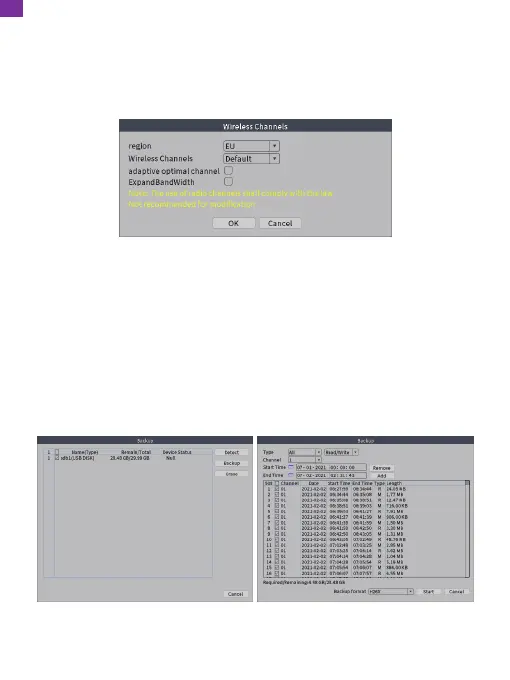
Go to the NVR's [Main Menu] → [Main Menu] → [Network] → [Wireless Channels]
to check the NVR's wireless channels, including region and channel options.
The NVR has been set completely before leaving the factory. Please contact
technical support before resetting.
20. Backup
Go to the NVR's [Main Menu] → [System] → [Backup] to backup video files to
external storage. Plug a USB drive into the USB 2.0 port, as shown in the figure
below.
Click [Backup] and a dialog box will pop up. You can select backup files according
to [Type], [Channel], [Start Time] and [End Time]. Add your files, select [Backup
format] (AVI or H.264) and click [Start].
EN
29



 To Next Page