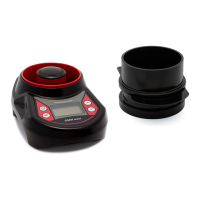
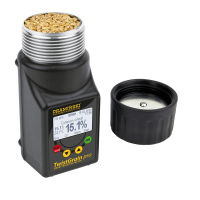
The tester’s user can modify the data (calibrate the
device), which means that they can correct the coded
humidity curves for each species, which have been
prepared basing on the comparison with drier
method.
To make the required corrections you should turn on
the power supply with, ”ON/OFF” button while the
button, „CAL/
CANCEL” is pressed.
That starts a special mode of the device, which allows
to introduce or delete the corrections in the device’s
memory – „shortened modication” will be dis-
played.
Using keys „s” or „t”, you can choose needed option:
”modication” or „erasing”, then conrm using
„OK” button.
1. MODIFICATION MODE:
It consists of modifying (correcting) the tester’s
readings by increasing or decreasing the device’s
readings by the same value in all the measuring
range. „Modication” is performed if the user
states that the device has a tendency to increase
or decrease the readings in all the measurement
range.
After choosing this function („OK” button), the name
of the last measured sample will be shown, which you
can change using „s” or „t” buttons.
Having chosen the needed name you should press
„OK” button again. The information: „change: 0,0
%” will appear. Now using the buttons „s” or „t” you
can introduce the values by which you want to mod-
ify the readings for the chosen species, for example
+1,2%.
Having introduced the chosen value once again press
„OK” button, and the information: „change +1,2%?.”
will be displayed.
• if you want to approve a change in the memory,
press „OK”, and the inscription „Ok” will appear,
which means that the changes have been saved in
the memory permanently,
• if you want to cancel changes, you press „CAL/
CAN-
CEL” and then the information „cancel” will be dis-
played.
18 CHAPTER 4 | DATA MODIFICATION


 To Next Page
 Loading...