10
USING THE BALANCE
1 Enter the weighing mode
2 Place a container on the pan.
3 Once the display has stabilized, press “zero/tar”.
The indication changes to zero.
4 Insert the sample into the container.
5 When the display has stabilized, (the stability mark) lights up, read the
display.
Selecting the Display
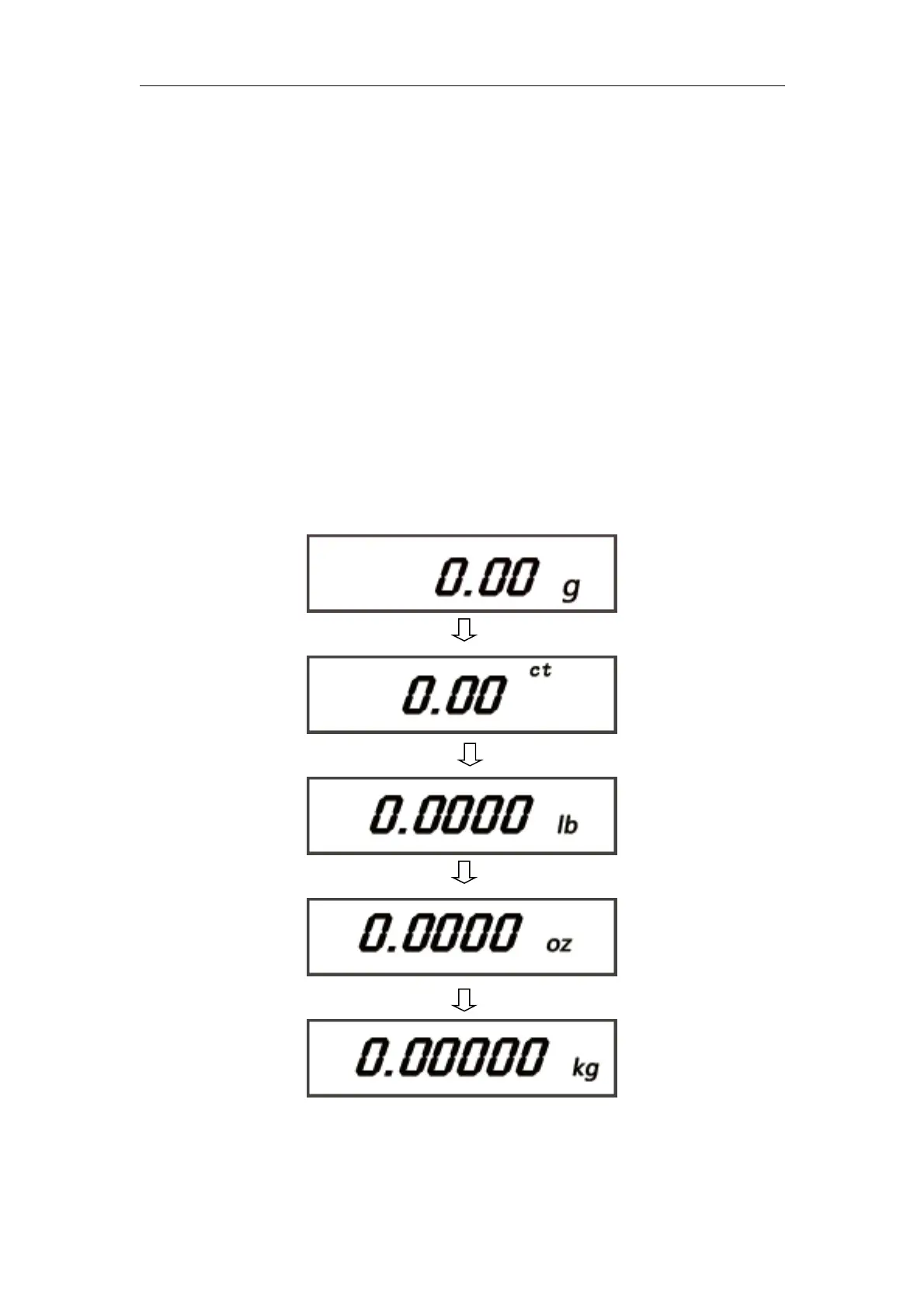
Switching Units
You can display different units from among those set to be available.
1 press “UNIT” in the weighing mode.
Repeatedly pressing this key will cycle you through the registered units.



 To Next Page