19
* Use horizontal indicator to check.
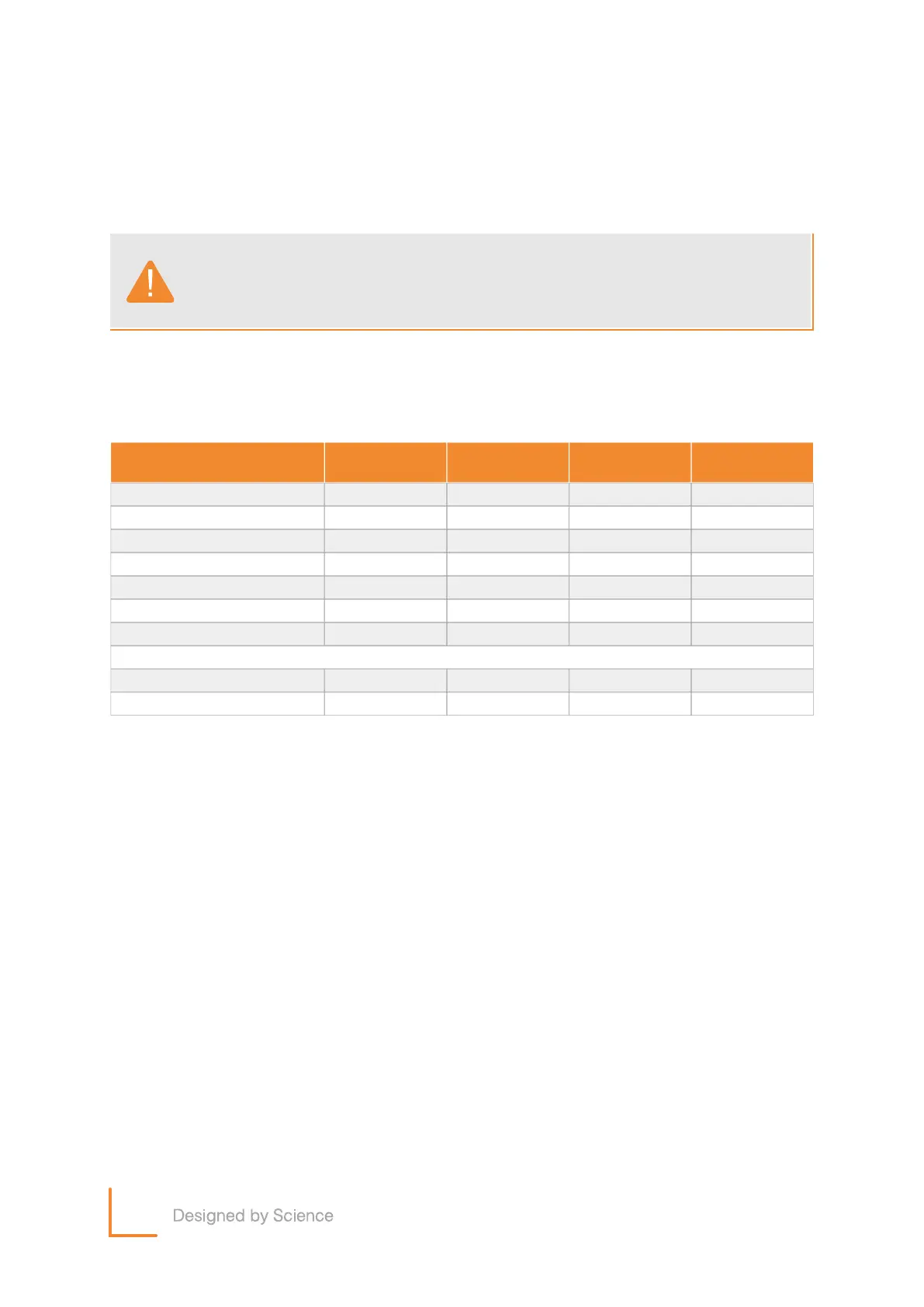
• Product Management Schedule
Please follow the below schedule for maintenance.
Component
Frame
Display
Switch
Cup holder
Weekly
Clean
Clean
Clean
Clean
Clean
Clean
Clean
Pedal(Foot plate)
Plastic Cover
Accessory Cover
*Inspect
Monthly
Common
Inspect
Inspect
Twice a Year
Inspect
Inspect
Inspect
Inspect
Inspect
Inspect
Yearly
Machine horizontal
Bolts / Nuts
Please use a soft, light cloth when you clean the exterior of product.
R
ather than cleaning the product directly, clean it by using a vacuum
cleaner after using a cloth.
Notice


 To Next Page