EasyManua.ls Logo

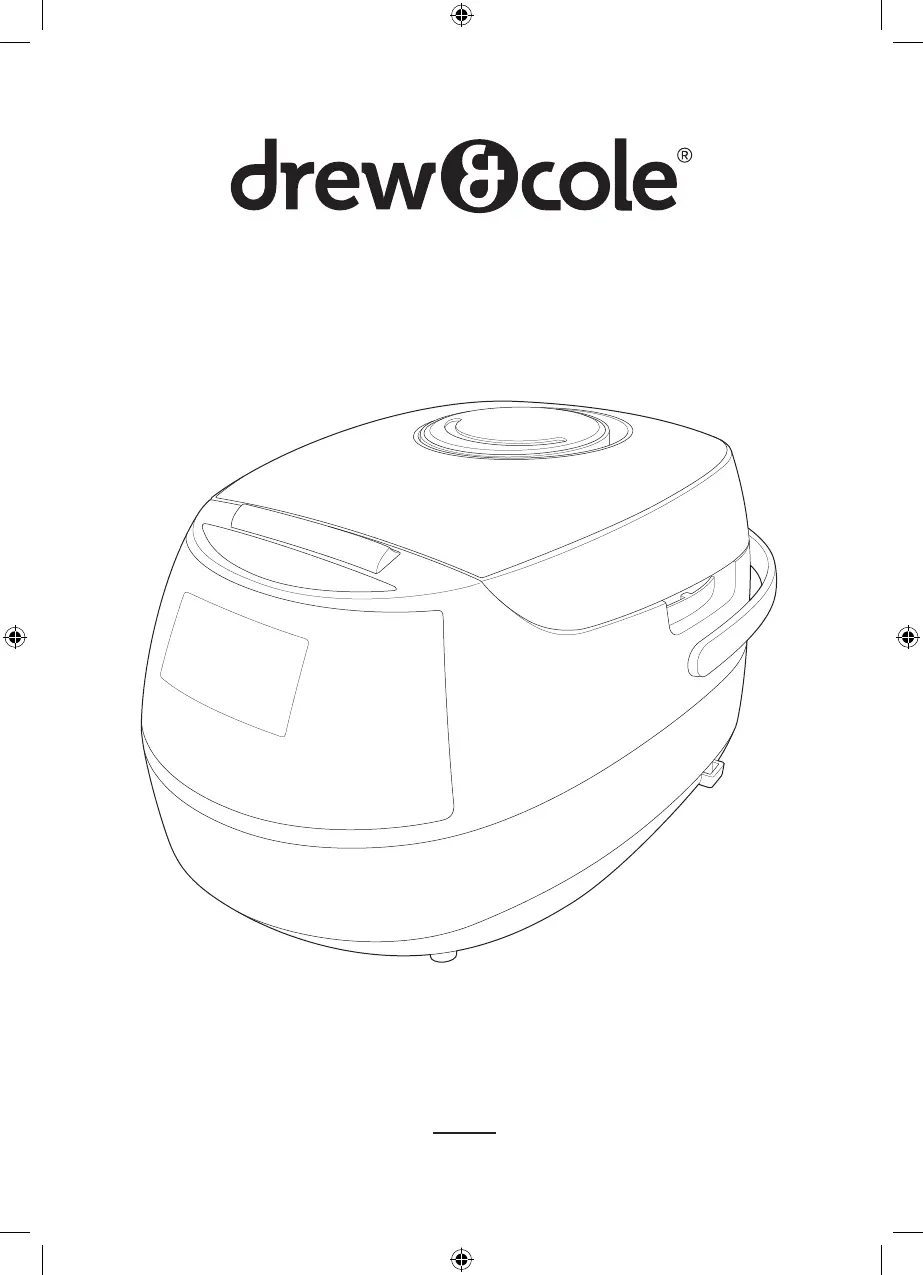
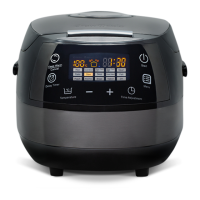
Drew & Cole CLEVERCHEF CCMC01 - User Manual

Drew & Cole CLEVERCHEF CCMC01
28 pages
Print Icon
To Next Page IconTo Next Page
Loading...
Register your product at www.drewandcole.com
User’s Manual
CLEVERCHEF
Cleverchef Multi-Cooker.indd 1 21/11/2019 09:23

Questions and Answers

  • S
    Stacey ColeAug 4, 2025
    What to do if Drew & Cole Kitchen Appliances under cooked?
    • L
      Laurie PhillipsAug 4, 2025
      If your Drew & Cole Kitchen Appliances are under cooking food, several factors could be the cause. First, ensure you're using sufficient water and not exceeding the maximum food volume; the water level should be between 0.5L and the maximum. Also, check the inner pot's position and make sure it is correctly located. Another potential issue is food or contamination between the heated plate and the inner pot; clean both surfaces. If the inner pot is deformed, please contact Customer Services on 0344 800 0631 for a replacement.
  • C
    Cassandra KellyAug 13, 2025
    Why Drew & Cole Kitchen Appliances control panel lights off and no heating?
    • A
      Amber GillAug 13, 2025
      If the control panel lights are off and there is no heating, the appliance may not be plugged into the mains. Ensure the appliance is properly plugged in.
  • K
    Kayla BrownAug 25, 2025
    What does it mean if my Drew & Cole Kitchen Appliances display shows error codes E1, E2, E3, E4?
    • B
      Benjamin ArmstrongAug 25, 2025
      If your Drew & Cole Kitchen Appliances display shows error codes E1, E2, E3, or E4, this indicates a damaged circuit board. Do not use the appliance and please contact Customer Services on 0344 800 0631.

Summary

Users Manual

Important Safeguards

General Safety Instructions

Read instructions carefully before first use and keep for future reference.

Child Safety and Usage Restrictions

Keep appliance away from children; allowed for ages 8+ with supervision.

Electrical, Liquid, and Burn Hazards

Do not immerse in liquid, avoid spills on cord, and beware of hot surfaces.

Appliance Condition and Operation

Do not use if damaged; use on stable surface, avoid water contact.

Surface Safety, Fire, and Support

Avoid hot surfaces, use damp cloth for fires, contact customer service for issues.

Control Panel Features

Program and Adjustment Controls

Details on program selection, time, and temperature adjustment buttons.

Display Indicators and Buttons

Explains the LCD display, keep warm, cancel, and delay timer indicators.

Programs and Settings Guide

Program Options and Adjustments

Overview of cooking programs, default temps, and time adjustment ranges.

Timer and Keep Warm Functionality

Details on delay timer availability and keep warm settings for each program.

Adjusting The Cooking Time

Modifying Cooking Time Settings

Use the TIME ADJUSTMENT button and +/- to increase or decrease cooking time.

Adjusting The Temperature

Modifying Cooking Temperature Settings

Use the TEMPERATURE button and +/- to increase or decrease cooking temperature.

Using The Delay Timer

Filling The Inner Pot

Troubleshooting Guide

Power, Heating, and Cooking Issues

Solutions for control panel issues, under/over cooking, and pot positioning.

Error Codes and Solutions

Addresses error codes E1-E4, typically indicating a damaged circuit board.

Drew & Cole CLEVERCHEF CCMC01 Specifications

General IconGeneral
Product TypeMulti Cooker
Product NameCLEVERCHEF CCMC01
CategoryKitchen Appliances
Capacity5 L
Control TypeDigital
Voltage220-240 V
Frequency50/60Hz
FunctionsSlow Cooking
MaterialStainless Steel

Related product manuals