EasyManua.ls Logo

Drew Technologies IMclean - Getting Started with IMClean; IMClean Kit Components; DAD Indicator Lights Guide

Drew Technologies IMclean
15 pages
Print Icon
To Next Page IconTo Next Page
To Previous Page IconTo Previous Page
Loading...
3
Introduction
Thank you for choosing IMClean! This Quick Start Guide covers the
initial setup of your device.
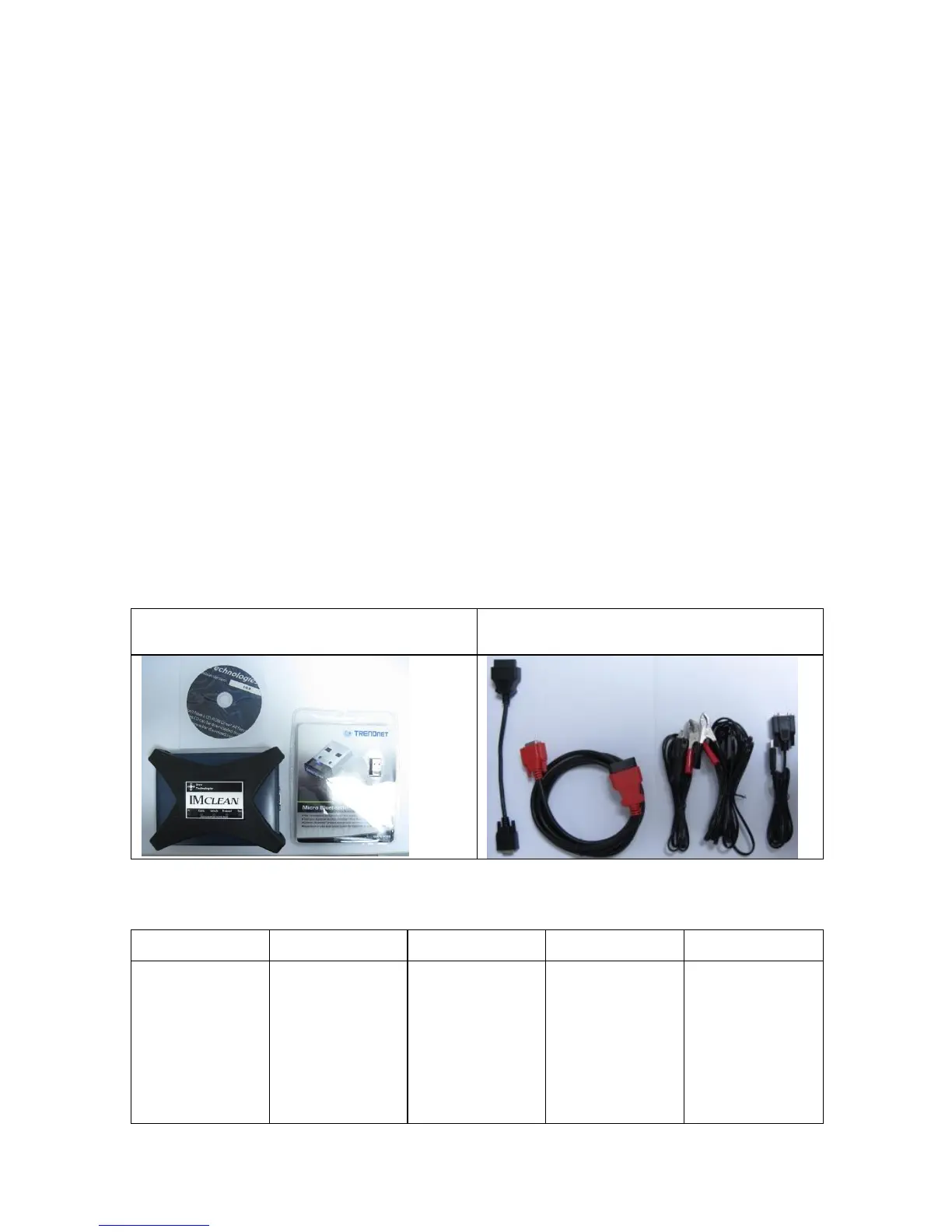
Your IMclean Kit includes:
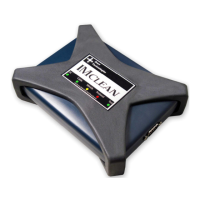
· IMClean
· Driver CD
· Vehicle Cable
· USB cable
· Self Test Cable
· Cigarette Lighter Adaptor Cable.
· External power cable w/Battery clamps
· Bluetooth dongle(only with Bluetooth units)
The vehicle cable is custom made by Drew Technologies, Inc. To
obtain replacement/additional vehicle cables, please contact Drew
Technologies, Inc. Generic vehicles cables, or cables provided from
other tools/devices will not
function with the IMClean interface.

DAD Devic
e, CD, and Bluetooth
dongle
Cables included
DAD Indicator Lights
PC Cable Vehicle Protocol Test
Green = USB
active
Blue = Bluetooth
active
Red = no drivers
installed
Green = ok
Red = no cable
connected or
improper cable
connected
Green = vehicle
connected
No indication =
voltage less than
8V on OBD port.
Try external cable
Green flashing =
communicating
with vehicle
Green solid =
connected to
vehicle
Green = self test
is active
Red = test failed