5
Connecting your DAD -
Wireless
If you have purchased a wireless DAD, you can now configure it for
wireless use. If you did not purchase a wireless DAD, skip this section.
1. Unpack the TrendNET Bluetooth dongle that you received
2. Plug the Bluetooth dongle into a USB port on your PC and
allow Windows to install the generic drivers. DO NOT use the
manufacturer's drivers.
3. Power your DAD device up. Plug into a vehicle and wait 30
seconds. If you power it up thru USB, Bluetooth will be
disabled.
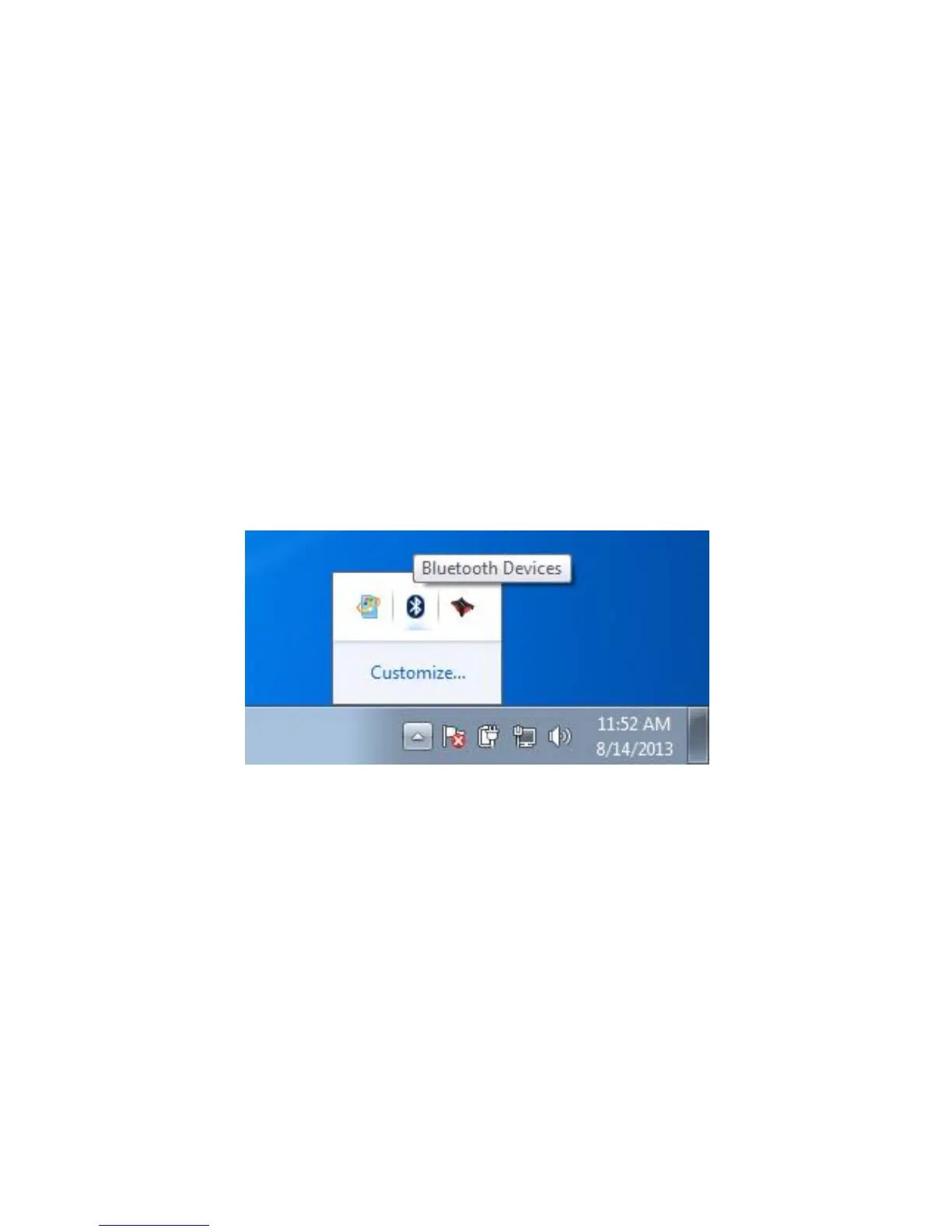
4. To pair your IMClean, right click on the Bluetooth Icon in the
system tray.
5. Click on "Add Device"


 To Next Page