13
-Press the button to scroll through the menu, until your
reach the ‘Dash Cam’ option. Press the
button to toggle
Dash Cam Mode O .
-Press the button to scroll to the next option in the menu,
‘Dash Cam Interval’. Press
button to scroll through the
available options.
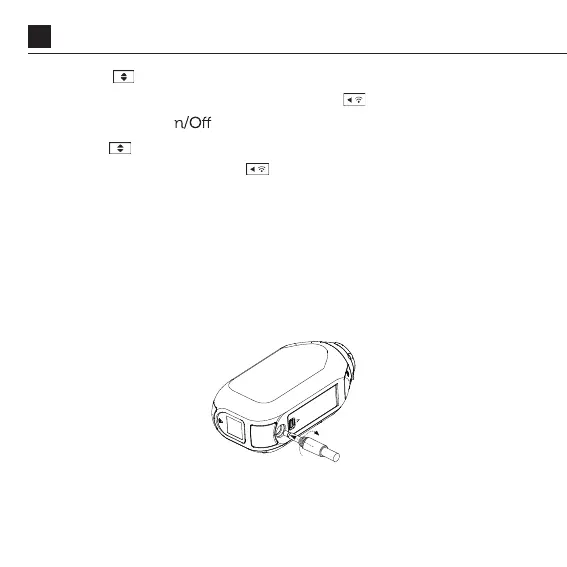
WATERPROOF POWER CONNECTION
The Ghost XL Pro can be connected to a car or motorcycle power
supply for hands-free operation in Dash Cam Mode via the included
3.5mm Power cable.
FEATURE OVERVIEW



 To Next Page