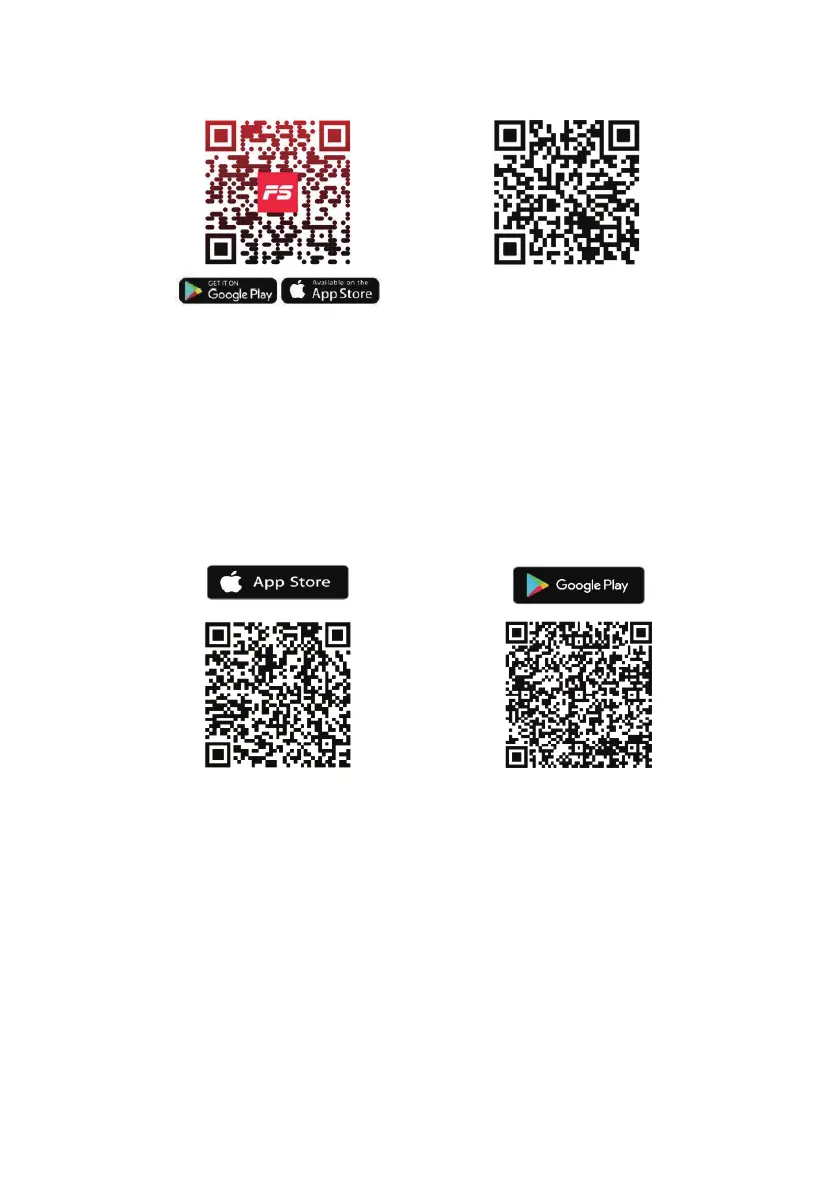
1. To download the FITSHOW APP, scan the QR Code or search” FITSHOW" in
the Apple Store or Google Play Store.
2. Open the FITSHOW APP, Log ln or Sign Up.
3. Follow through the In-APP instructions to set up your device.
1.To download the KINOMAP APP, scan the QR Code or search"KINOMAP" in the
Apple Store or Google Play Store.
2. Open the KINOMAP APP, Log In or Sign Up.
3. Select the corresponding fitness equipment.
4. Turn on Bluetooth, and choose FITSHOW.
5. Select the type of machine, and find the Model.
6. Start training and explore different workout programs.
APP Connection Guide
Download and use of FITSHOW
Download and use of KINOMAP


 To Next Page