EasyManua.ls Logo

DriSteem Vapor-Logic - User Manual

DriSteem Vapor-Logic
112 pages
Print Icon
To Next Page IconTo Next Page
Loading...
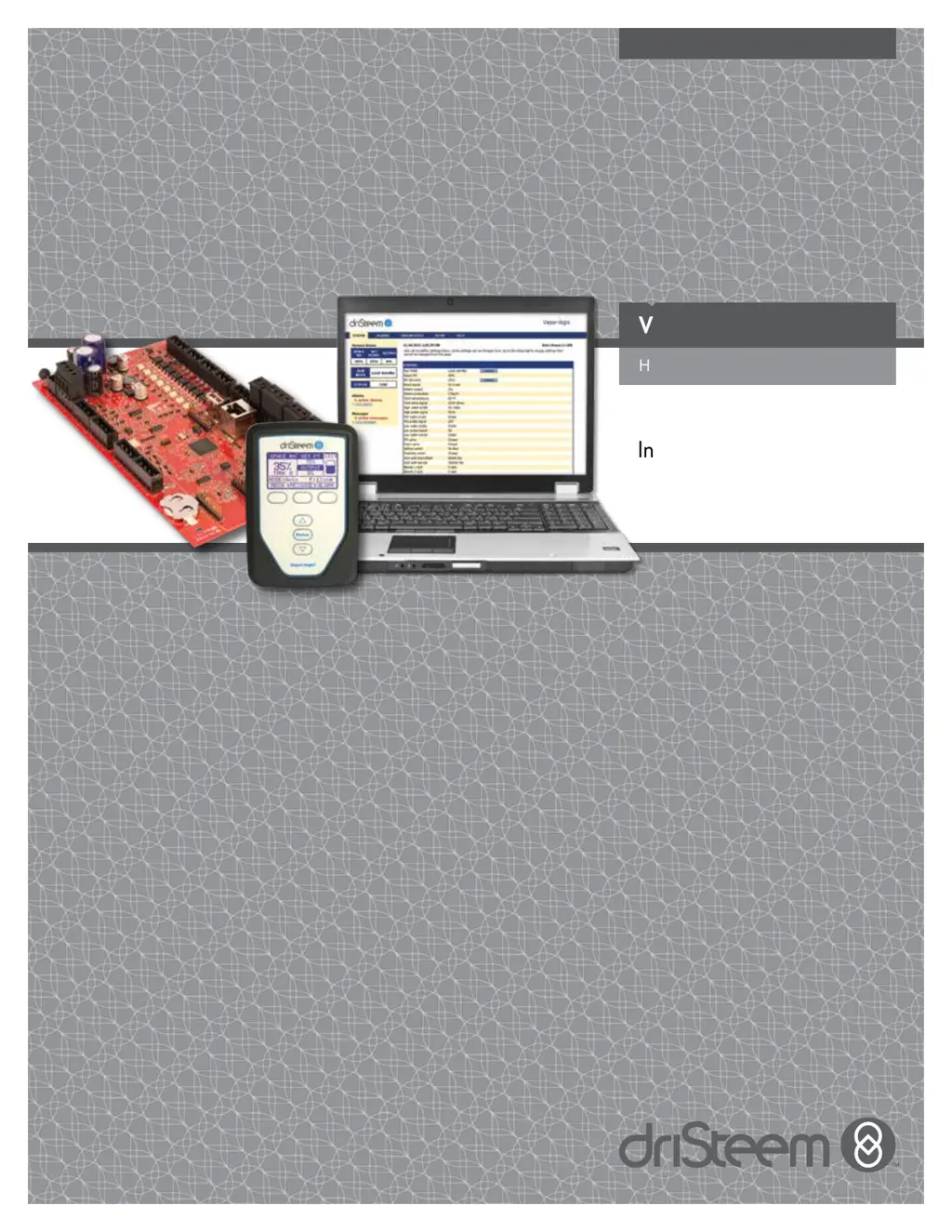
VAPOR-LOGIC
®
VERSION 6
Humidifier Control System
Installation and
Operation Manual
READ AND SAVE THESE INSTRUCTIONS

Table of Contents

Other manuals for DriSteem Vapor-Logic

Questions and Answers

  • K
    Kim MooreDec 1, 2025
    Why does the fill valve not close on my DriSteem Vapor-Logic Control Systems?
    • A
      Andrew HouseDec 1, 2025
      If the DriSteem Control Systems unit's fill valve does not close, check the following: * Ensure the automatic drain valve is not locked in the manual open position; reset it to automatic. Replace the valve if the return spring is broken. * Clean or replace the drain valve if an obstruction prevents complete closure. Close the manual drain valve if it's open. * If the Vapor-logic control has a shorted output to the fill valve coil, replace the board or drain coil. Also, examine the level control system by ensuring the probe plug is fully plugged in and cleaning the probe rods if needed. If water conductivity is too low, add ¼-½ tab of sodium bicarbonate to the tank or cylinder water. If this resolves the issue, consult DriSteem for further advice regarding low-conductivity water. V...
  • J
    jorge68Aug 25, 2025
    How to troubleshoot a VAPOR-LOGIC red indicator light that is off on DriSteem Control Systems?
    • N
      Nicole SotoAug 25, 2025
      If the VAPOR-LOGIC red indicator light is off on your DriSteem Control Systems, it could be due to several reasons: * First, check for proper supply voltage. * Second, inspect the heater fuses for voltage at the transformer. * Third, see if the transformer secondary circuit breaker has tripped; if so, check for wiring shorts and reset the breaker. * Finally, verify proper control cabinet wiring and try pressing the "RESET" button to reset the VAPOR-LOGIC control board in case of a microprocessor logic disruption.
  • P
    Patrick ChangAug 26, 2025
    Why can't I enter new parameters into the microprocessor through the keypad on DriSteem Vapor-Logic?
    • F
      Frederick HollowayAug 26, 2025
      If you cannot enter new parameters into the microprocessor through the keypad on your DriSteem Control Systems, ensure that the digital display is not in "AUTO" or main menu format. Press the "MODE" key to enter the main menu, and then press the "ENT" key to access data in the selected main menu item. If new parameters are out of range, press the "CLR" key to start over and enter parameters within the acceptable range.
  • D
    Daniel FullerAug 26, 2025
    What does it mean when the VAPOR-LOGIC red indicator light is on continuously on DriSteem Control Systems?
    • J
      Joy AlvaradoAug 27, 2025
      If the VAPOR-LOGIC red indicator light is continuously on for DriSteem Control Systems, it may be due to a disruption in the VAPOR-LOGIC microprocessor. Verify proper control cabinet wiring and press the "RESET" button to reset the VAPOR-LOGIC control board.
  • W
    williamsleahDec 1, 2025
    What to do if DriSteem Vapor-Logic Control Systems shows 'Alarm: Excessive fill time'?
    • S
      stephanie00Dec 1, 2025
      If the DriSteem Control Systems unit displays an 'Alarm: Excessive fill time' or 'Alarm: Excessive refill time' message, several factors could be responsible. First, ensure the tank is actually filling with water. Check if the fill and drain valve wiring are reversed and correct if necessary. Verify that the water supply pressure is at least 25 psi (552 kPa). Inspect and clean the in-line strainer if it's plugged. Ensure the humidifier cover interlock switch is correctly wired. If 24 VAC is present across the fill valve coil and the valve isn't opening, replace the valve. Verify proper fill valve wiring at terminal P17 (fill, drain) and test operation via the Diagnostics menu. Check if the inlet water needle valve is open and free of sediment. Confirm the fill valve has the correct operati...
  • K
    kevinwilsonSep 16, 2025
    How do I troubleshoot a DriSteem Control Systems unit that won't automatically drain?
    • M
      Mark GarzaSep 16, 2025
      If the unit isn't performing the automatic drain sequence, consider these points: * The humidifier may not have an automatic drain system, or automatic drain is disabled: Inspect the unit to verify that an automatic drain valve was furnished. Go to the Setup menu to verify that auto drain/flush is enabled. * Drain fault, plugged drain valve, or plugged drain pipe: Clean the drain valve piping. * Malfunctioning automatic drain sequence: Go to the Setup menu and check the auto drain/flush settings. * No power to the automatic drain valve: Check if 24 VAC is present at terminal block P17 (drain) and at the drain valve. * Defective automatic drain valve: If voltage is present at the valve and it still does not open, replace the valve.
  • E
    Emily DuarteSep 13, 2025
    Why is the DriSteem Control Systems display completely black?
    • H
      hamiltonbrittanySep 13, 2025
      A completely black display could be due to: * The keypad/display being overheated: Cool the keypad. * The communication cable not being connected: Connect the cable. * A defective cable: Replace the cable. * A defective keypad: Replace it. * A defective control board: Contact DriSteem.
  • D
    Dr. Daniel KhanSep 15, 2025
    Why is there no readable information on the DriSteem Control Systems keypad/display?
    • R
      Robert PittmanSep 15, 2025
      If there's no readable information on the keypad/display, it could be due to: * No power or incorrect voltage to the Vapor-logic board: Check the main power supply. Reset the control transformer circuit breaker if tripped. Reset the thermal cutout if tripped. Note that the low limit thermostat is not satisfied (outdoor enclosure only). * The modular communication cable is disconnected: Connect the modular cable.
  • M
    Melissa ArmstrongSep 7, 2025
    What does 'Alarm: Tank temperature sensor failed' mean for DriSteem Vapor-Logic Control Systems?
    • K
      Kenneth MorrisSep 7, 2025
      If you see the alarm 'Alarm: Tank temperature sensor failed' on your DriSteem Control Systems, check the wiring terminals for correct wiring and voltages to ensure there isn't an open, shorted, or incorrect wiring issue with the sensor. For reference, 1000 Ohms corresponds to 68 °F (20 °C), and 1702 Ohms corresponds to 212 °F (100 °C). Also, verify that the humidifier interlock switches and/or over-temperature thermostat are wired correctly, that the interlock switch is set correctly, and that the humidifier cover is on; reset the over-temperature thermostat if it has tripped.
  • G
    Grace TaylorSep 5, 2025
    What to do if DriSteem Vapor-Logic Control Systems display is completely black?
    • M
      Mr. Jorge StokesSep 5, 2025
      If your DriSteem Control Systems display is completely black, first try cooling the keypad if it's overheated. If that doesn't work, check the communication cable to ensure it is properly connected. If the cable is connected, try replacing it as it may be defective. If the issue persists, the keypad itself may be defective and need replacement. If none of these steps resolve the problem, the control board may be defective, and you should contact DriSteem.

Summary

WARNINGS AND CAUTIONS

General Safety Instructions

Important safety guidelines to prevent hazards like burns, electrical shock, and property damage.

INSTALLATION

Field Wiring: Control Input

Connects the primary control signal (RH, dew point, or demand) to the system.

Field Wiring: Limit Controls

Connects safety devices like high limit switches and airflow sensors.

Field Wiring: Communication Connections

Establishes communication links for keypad, network, and other devices.

System Setup Procedures

Configuration of system parameters using the keypad/display or web interface.

OPERATION

Diagnostics Screen Functions

Accesses system messages, data logs, and test functions for troubleshooting.

Alarms Screen Log

Lists and describes active and cleared system alarm conditions.

PID Tuning for Performance

Adjusting PID gains for optimal humidity control.

DriSteem Vapor-Logic Specifications

General IconGeneral
Control TypeMicroprocessor-based
DisplayLCD
Remote MonitoringYes
Operating Temperature32°F to 122°F (0°C to 50°C)
Enclosure RatingNEMA 1 (IP20)
Communication ProtocolModbus RTU

Related product manuals