x
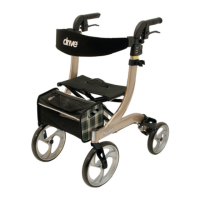
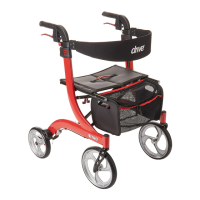
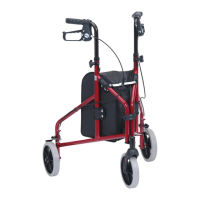
x To adjust the handlebar height
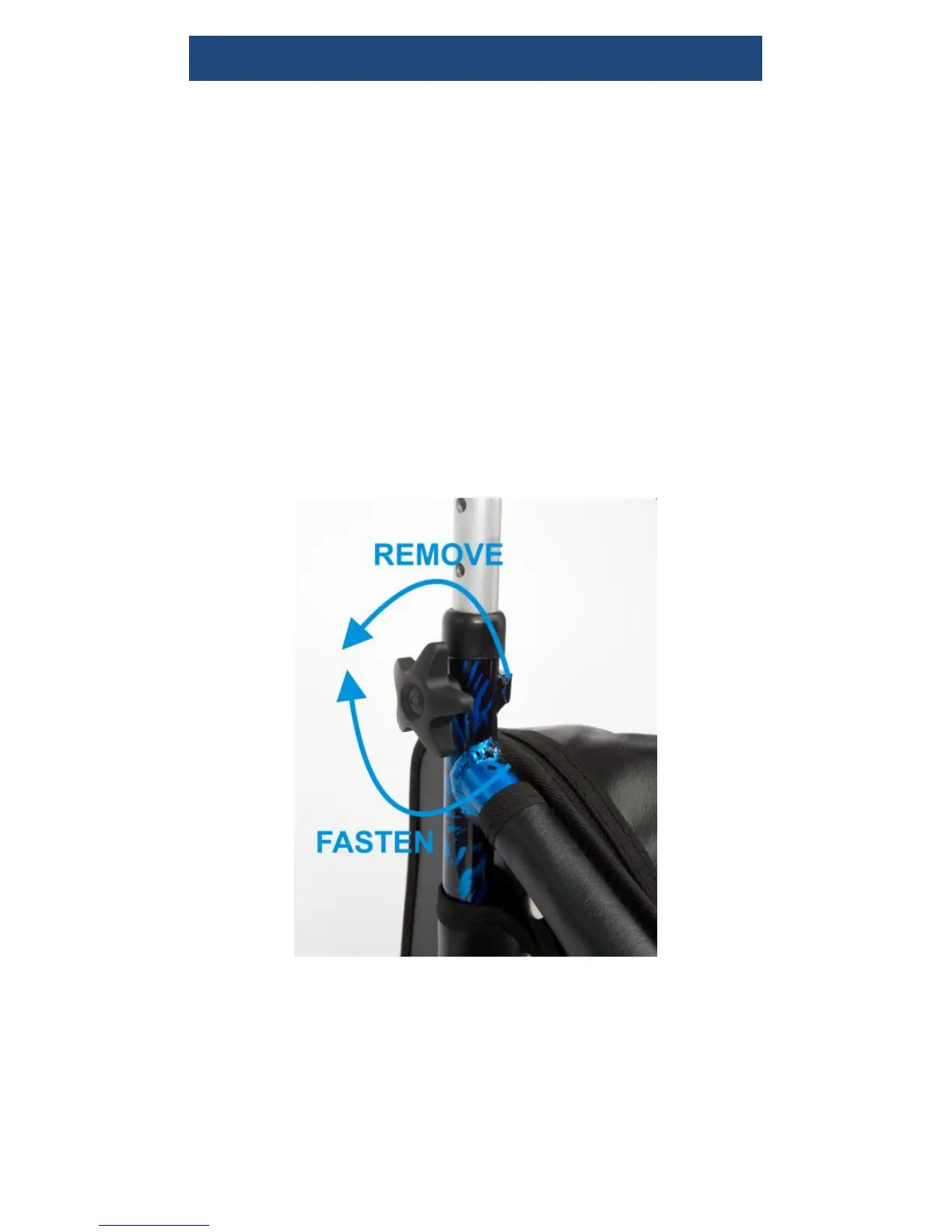
Unscrew the tightening handles at either
side of the triwalker anticlockwise, and
remove the screw (as shown in the photo
below). Adjust the height of the triwalker to
suit the user and then reinsert.
Insert the screw and attach the tightening
handles clockwise to secure (as shown in
the photo overleaf). Ensure that the
tightening handles are on the outside of the
triwalker



 To Next Page