4
Application Setup
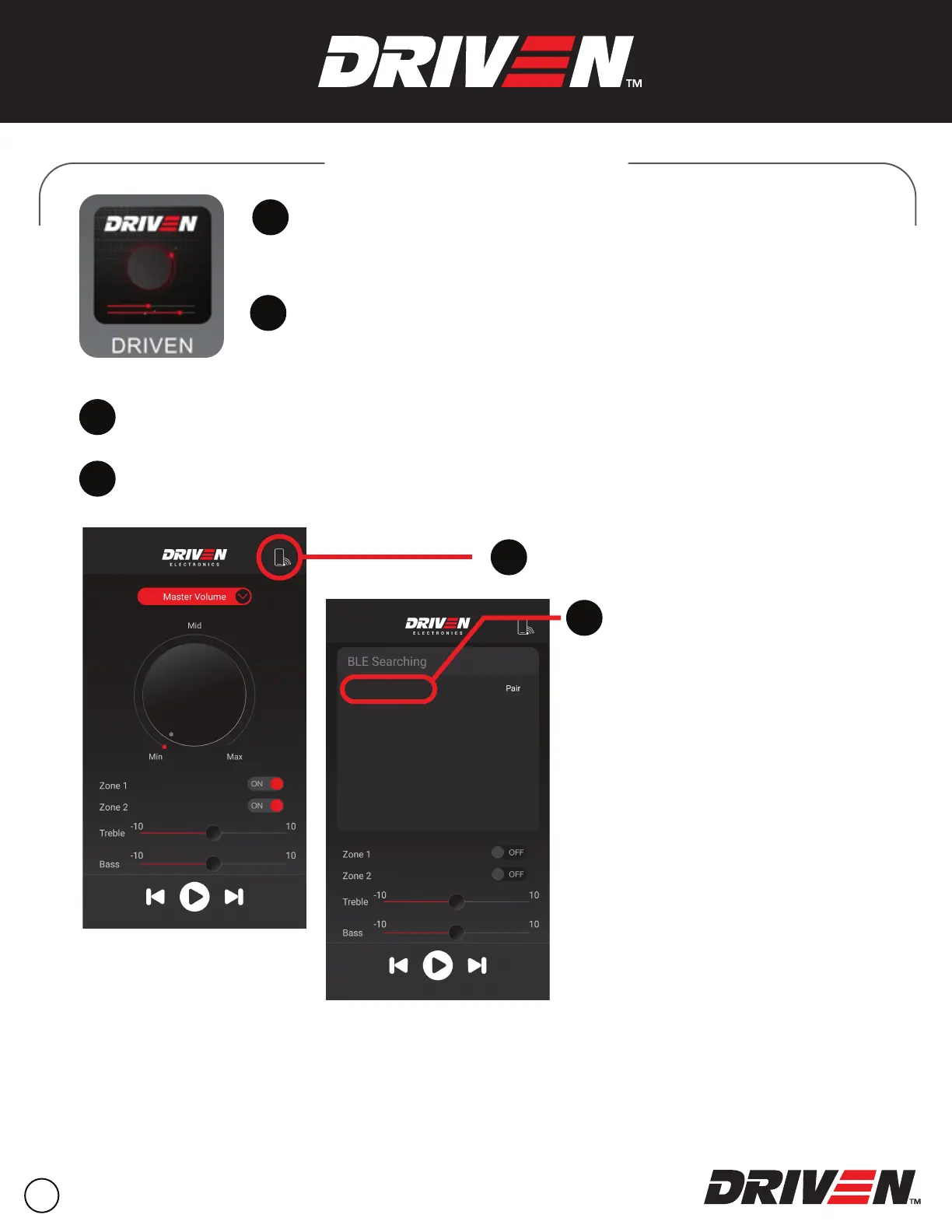
Download the DRIVEN app from the
App Store or Google Play.
1
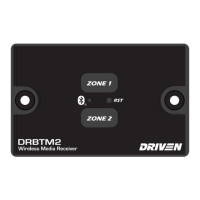
Make sure that the DRBTM2 is connected
and powered on.
2
Check your device’s settings. Make sure Bluetooth
®
is ON.
3
Launch the app on your device.
Open the Scan & Pair menu.
Select the DRIVEN BT
to pair the device.
4
5
6
DRIVEN


 To Next Page