Drobo 5D Getting Started Guide 35
Using the Knowledge Base
Our searchable knowledge base provides answers to almost any question related to your Drobo
device that you cannot find in the Online User Guide. To access our knowledge base follow the
steps below.
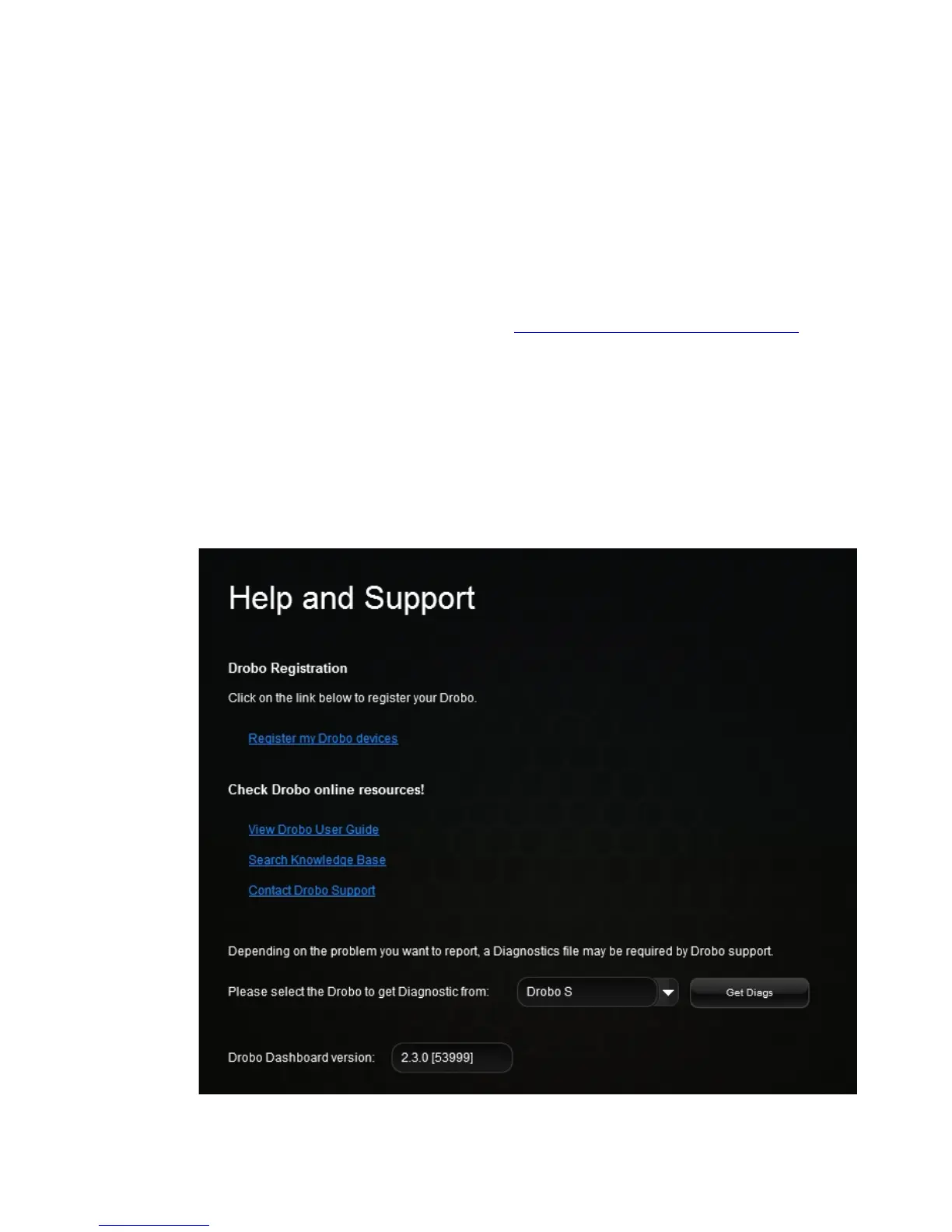
1. In the Drobo Dashboard, click the Help and Support option on the Navigation menu.
The Help and Support page opens.
2. In the Check Drobo online resources! area, click the Search Knowledge Base link to open
the Drobo Knowledge Base web page.
Note: You can access our knowledge base at
http://support.drobo.com/app/answers/list.
Registering Your Drobo 5D
If you did not register your Drobo device during setup, you can do so from within Drobo
Dashboard.
Note: You will need to be connected to the Internet to perform this action.
1. In Drobo Dashboard on the All Drobos page, select the Drobo device you need to register
and click the Help and Support option on the Navigation menu.
The Help and Support page for that Drobo device opens.



 To Next Page