24
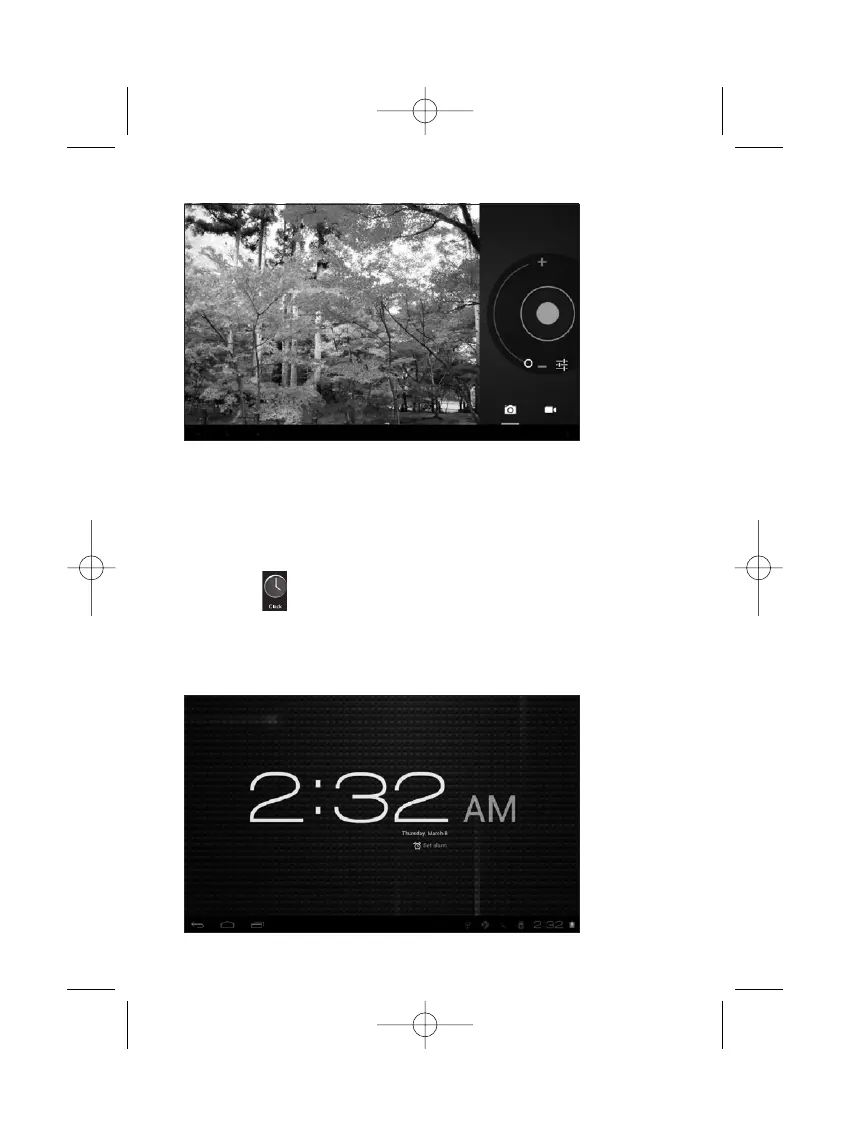
You can also view your previous photos or videos by tapping on the
photo icon at the top right corner of screen.When you view the
photos or videos, tap on it to display more options of slideshow,
delete, share, zoom in/out, clip, rotating, or set as wallpaper etc.
- Clock
Tap on the Clock icon to run the application.
After running the Clock application, you can setup alarm clock


 To Next Page