7
ENGLISH
Remarks:
- When battery power has been used up, the tablet will shut down itself
automatically.
- If you illegally turn off the device, restart will scan and restore the disk,
it may take longer time to enter into system.
6 Connection with PC
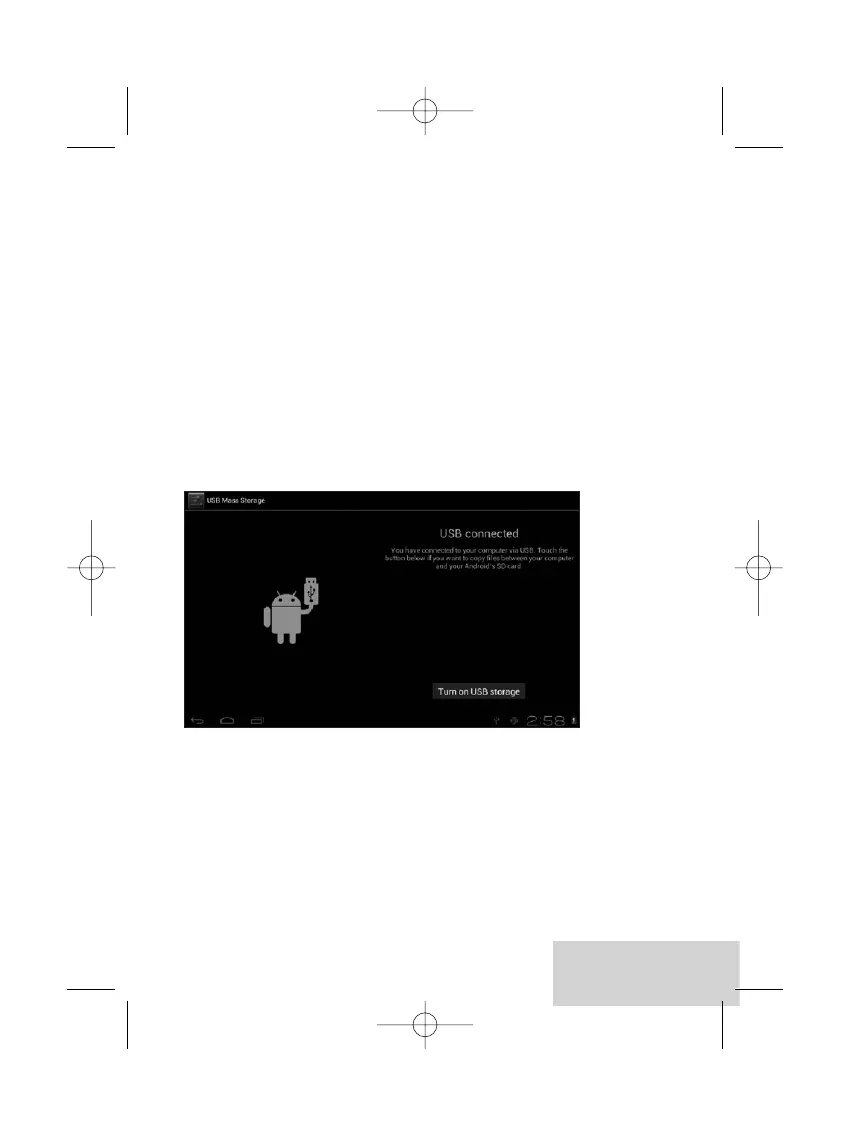
6.1 Use the USB cable provided to connect the tablet with PC, device will
pop up the USB connection window, click “Turn on USB storage”
to connect to PC, in the connection mode, you can copy or delete the
file on the device or the file on the memory device.


 To Next Page