31
ENGLISH
- Video Player
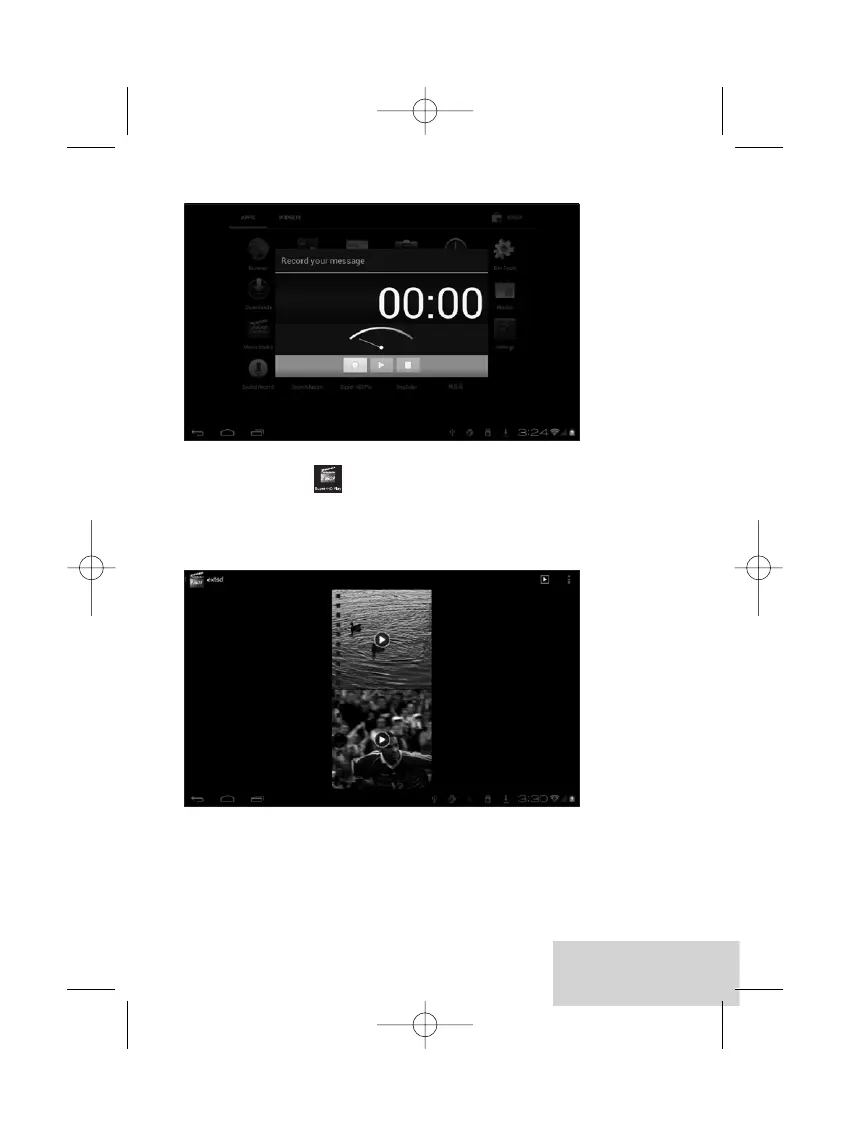
To play the videos, tap on the Video Player icon to run the
application.
All videos will be listed and tap on your desired video to play it.
11 Forced shutdown
In case of your tablet was down and you are unable to turn it off according
to standard procedures, press the power switch and hold it for 7 seconds,
the tablet will be turned off.


 To Next Page