Contact Us Via: support@dsoon-tech.com
Please contact us if you have any questions
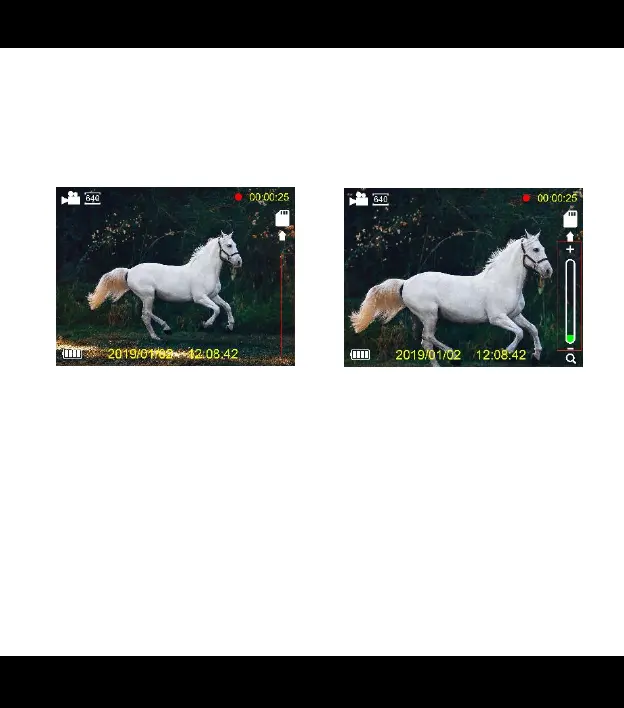
appears on the LCD screen, the maximum support 4x zoom.
Zoom Off Zoom On
6) Turn on IR
In photo/video mode, if you have to view the darkness
environment, please short press IR UP button to activate
the IR LEDs, the image will change to black and white. The



 To Next Page