
 Need help?
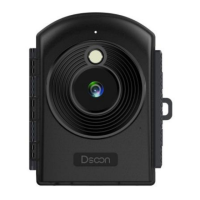
Do you have a question about the Dsoon TL2100 and is the answer not in the manual?
Details the different camera modes: Photo, Video, and Playback.
Explains how to use the Mode button to cycle through camera modes.
Configure automatic time-lapse settings for photos and videos.
Guide to setting up manual time-lapse for photos and videos.
Detailed steps for installing the camera using the wall bracket.
Instructions for mounting the camera on a tube with a circular bracket.
Guide to installing the camera using a mounting belt.
Instructions for securing the camera with an elastic cord.
Steps for downloading files using a memory card reader.
Guide to transferring files via USB cable connection to a PC.
 General
| Brand | Dsoon |
|---|---|
| Model | TL2100 |
| Category | Digital Camera |
| Language | English |

 To Next Page