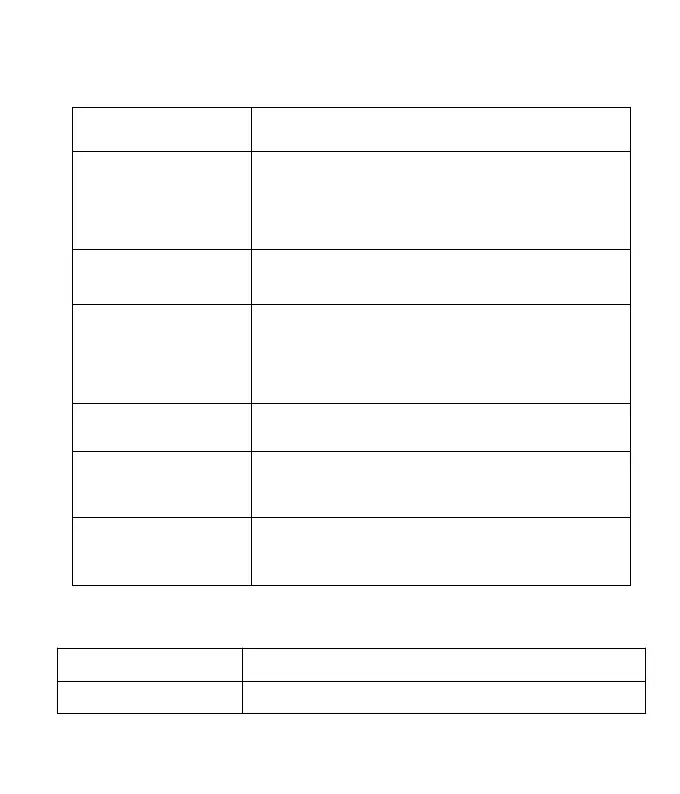
Button Function Description
Power Button /
Time-lapse Button
Long press to turn on/off;
After power on, press the button to enter the
shooting state
MODE Button / Right
Button
Switch between camera mode/video mode/playback
mode; Move the cursor to the right when setting the
time
Upward to scan all menu and options/Manual
time-lapse photography shortcut
Down Button / Selfie
Button
Downward to scan all menu and options/Time-lapse
selfie, press the OK button to start shooting
Specification
Starlight lens angle of view: 110°


 To Next Page