export@dsppa.com / www.dsppatech.com The specifications will be subject to changes without prior notice.
Copyright © Guangzhou DSPPA Audio Co.,Ltd All rights served.
AC110-120V or
200-240V
50/60Hz
4-16Ω,70V,100V (constant-voltage output)
4-16Ω,100V (constant-voltage output)
Machine Dimensions
(D×W×H)
MIC2 MIC3/AUX2 AUX1 BASS TREBLEUSBMIC1
Priority
SIG POWER
MIC1
MAXMIN MAXMIN MAXMIN MAXMIN MAXMIN MAXMIN MIN ON
MASTER
OFF
MAX
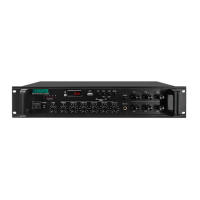
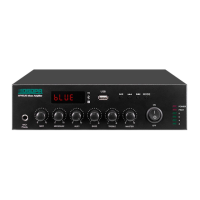
DMA60U MIXER AMPLIFIER
MODE CHIME1 CHIME2
MIC2 MIC3/AUX2 AUX1 BASS TREBLEUSBMIC1
Priority
SIG POWER
MIC1
MAXMIN MAXMIN MAXMIN MAXMIN MAXMIN MAXMIN MIN
MASTER
MAX
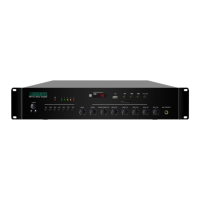
DMA60U MIXER AMPLIFIER
MODE CHIME1 CHIME2
MIC2 MIC3/AUX2 AUX1 BASS TREBLEUSBMIC1
Priority
SIG POWER
MIC1
MAXMIN MAXMIN MAXMIN MAXMIN MAXMIN MAXMIN MIN
MASTER
MAX
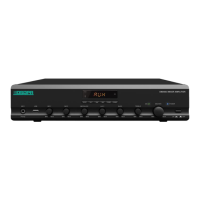
DMA60U MIXER AMPLIFIER
MODE CHIME1 CHIME2
1 2 3
4 5
6
7
8 11 12 13 14 15 16 17 18 19
109
ON
OFF
ON
OFF
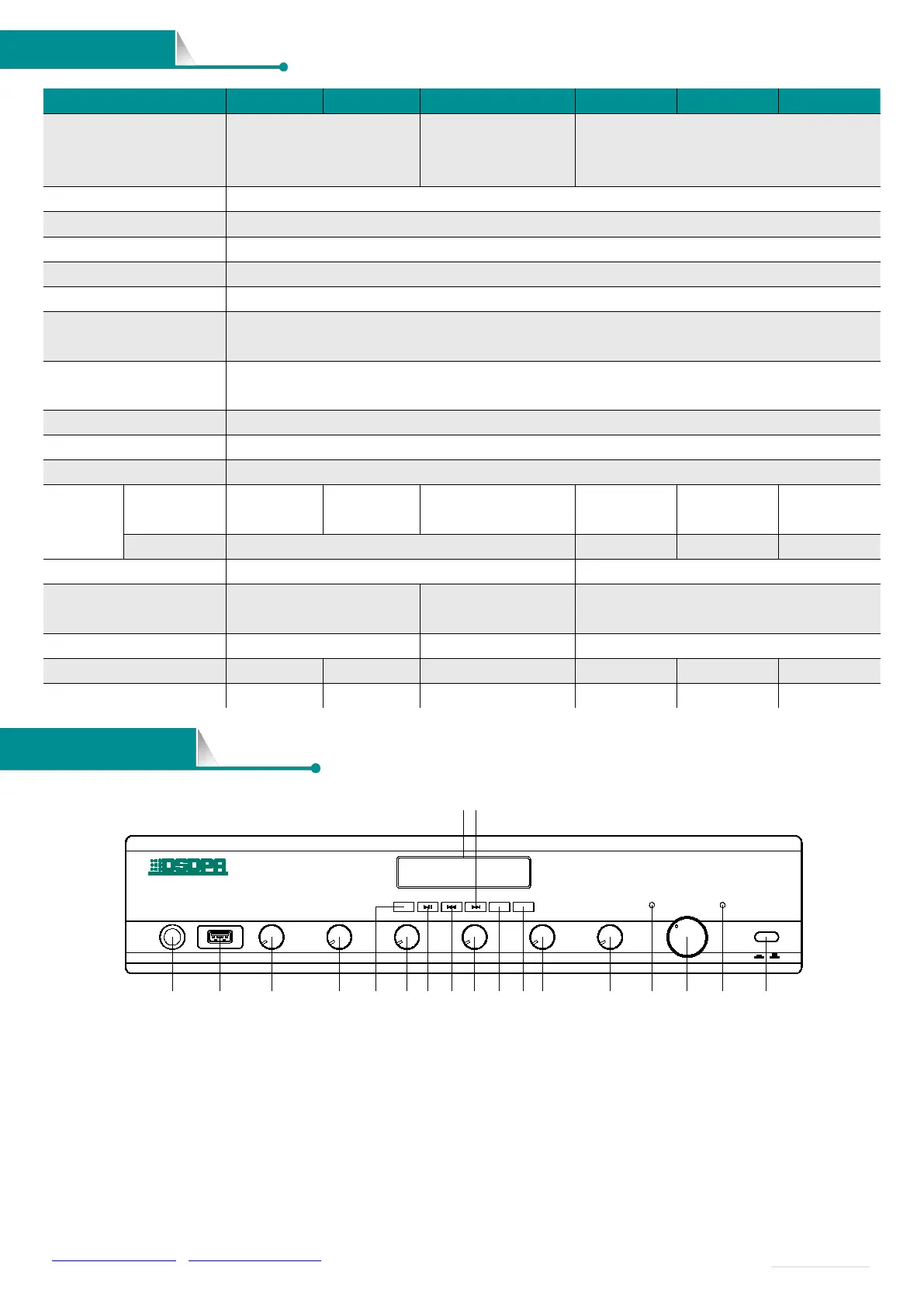
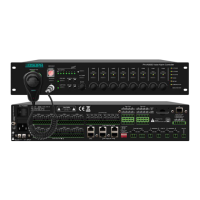
1. MIC1 IN
2. USB Port
Insert a USB to provide programs for the built-in MP3.
3. MIC1 Volume Control
Adjust MIC1 volume, turn clockwise to turn up the volume,
and turn counterclockwise to turn down the volume.
4. MIC2 Volume Control
Adjust MIC2 volume, turn clockwise to turn up the volume,
and turn counterclockwise to turn down the volume.
5. Mode Button
It can switch to line input mode (AUX), USB mode (USB),
Bluetooth mode (BLUE), and FM mode (FM).
6. MIC3/AUX2 Volume Control
Adjust the volume of MIC3/AUX2, turn clockwise to turn up
the volume, and turn counterclockwise to turn down the
volume.


 To Next Page