export@dsppa.com / www.dsppatech.com The specifications will be subject to change without prior notice.
Copyright © Guangzhou DSPPA Audio Co.,Ltd. All rights reserved.
70V, 100V (constant voltage output), 4-16Ω
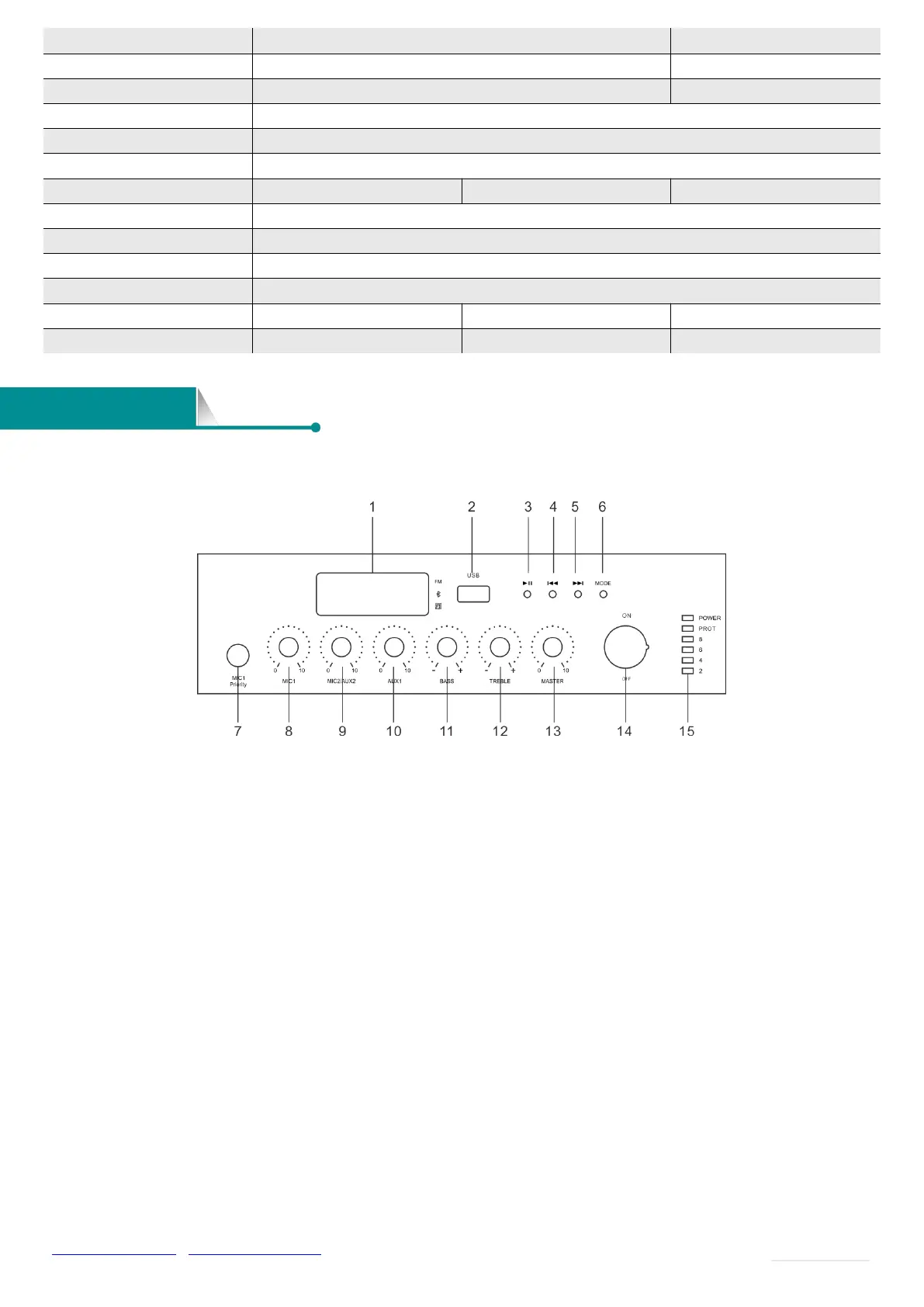
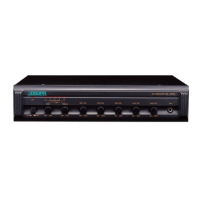
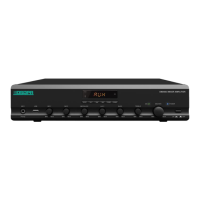
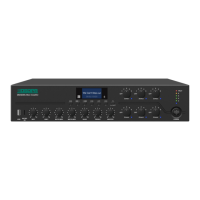
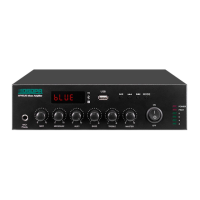
Front Panel
1. Display screen
2.USB interface
Insert the USB to provide program to the built-in MP3.
3. Play / Pause
In USB and Bluetooth mode, this key is Pause & Play.
In FM mode, this key is auto search.
4. Previous song/(Previous FM when in FM mode)
In USB and Bluetooth mode, press this key to switch to the “previous song”.
In FM mode, press this key to switch to the “previous FM”.
In FM/Bluetooth/USB mode, long press this key to turn down the volume.
5. Next song/(Next FM when in FM mode)
In USB and Bluetooth mode, press this key to switch to the “next song”.
In FM mode, press this key to switch to the “next FM”.
In FM/Bluetooth/USB mode, long press this key to turn up the volume.
6. Mode main function key
Bluetooth mode, USB mode, AUX input mode, FM mode can be switched.
7. MIC1 Input
This button has priority function. (same level with EMC input signal on the real panel).
8. MIC1 volume adjustment


 To Next Page