In
EDlT
DMX
CHANNEL
mode
there
am
8
hnetjon
key
see
(Fig,
51
par
10.121.
BACK
Key:
Press this key for return to the precedent function see par
10.1
1
PJANIE
Key:
?ress this key to replace the channel name.
Use the fader under NAMEwrite or the encoder. For confirm the modify press the
NAME
or
OK
key.
Putting the faders
to
0
value
*CUSTOM*
appears on the display, now we can write the name of the chan-
nel.
Pressing again
NAME
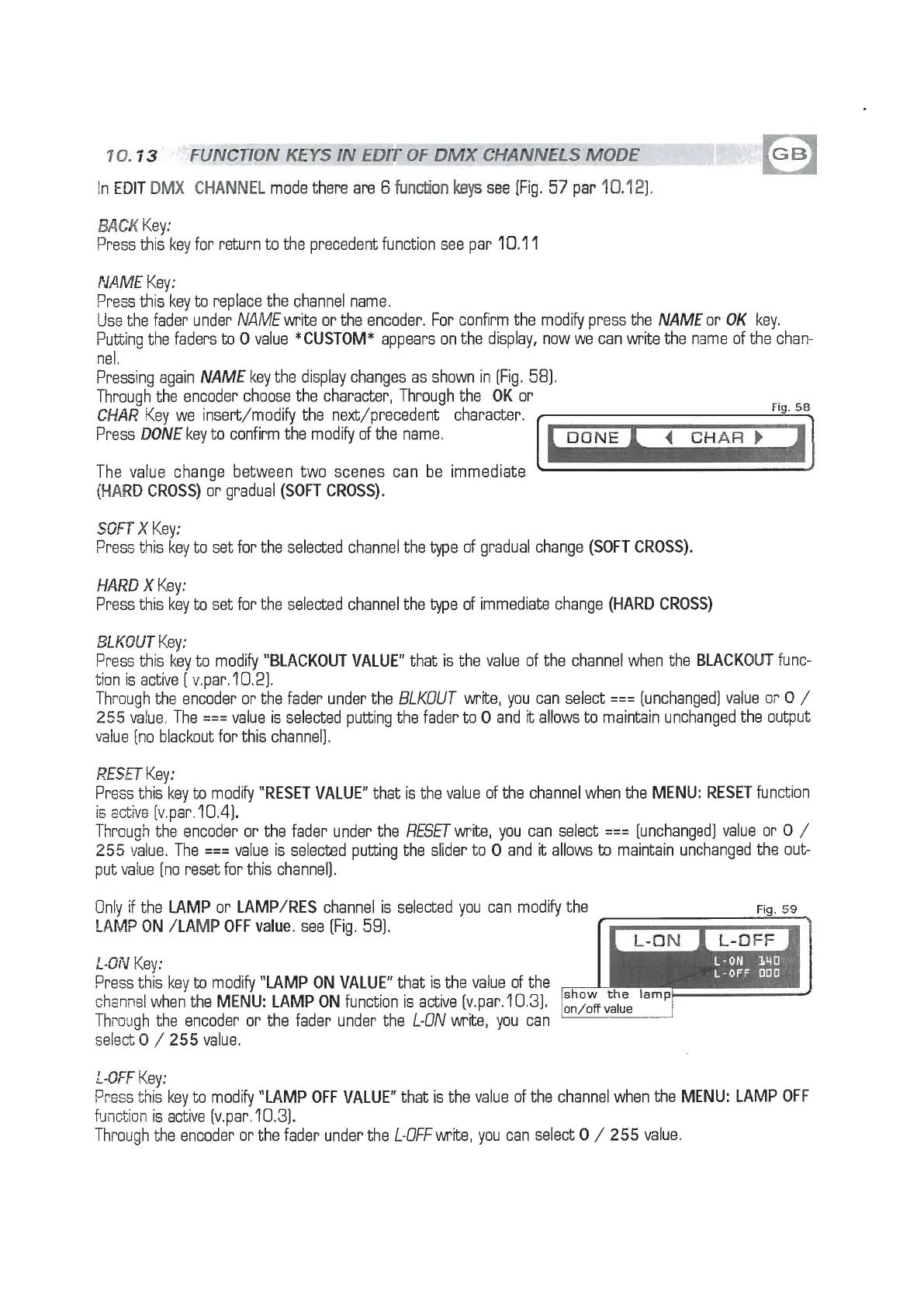
key the display changes as shown in [Fig. 58).
Through the encoder choose the character, Through the
OK
or
CHAR
Key we insert/modify the next/precedent character.
Fig.
58
Press
DONE
key to confirm the modify of the name.
4
CHAR
F
The value change between two scenes can be immediate
(HARD
CROSS)
or gradual
(SOFT CROSS).
SOFT
X
Key:
Fress this key to set for the selected channel the type of gradual change
(SOFT CROSS).
HARD
X
Key:
Press this key to set for the selected channel the type of immediate change
(HARD CROSS)
BLKOUT
Key:
Press this key to modify
"BLACKOUT VALUE"
that is the value of the channel when the
BLACKOUT
func-
tion is active
[
v.par. 10.21.
Through the encoder or the fader under the BLKOUT write, you can select
===
(unchanged] value
0;.
O
/
255
value. The
===
value is selected putting the fader to
0
and
it
allows to maintain unchanged the output
value [no blackout for this channel].
RESET
Key:
Press this key to modify
"RESET VALUE"
that is the value of the channel when the
MENU: RESET
function
is active [v.par. 10.4).
Thrcugh the encoder or the fader under the RESETwrite, you can select
===
[unchanged] value or
0
/
255
value. The
===
value is selected putting the slider to
0
and
it
allows
to
maintain unchanged the out-
put value [no reset for this channel).
Only
if
the
LAMP
or
LAMP/RES
channel is selected you can modify the
Fig.
59
!AM?
ON /LAMP OFF
value.
see (Fig. 59).
:-ON
Key:
Press this key
to
modify
"LAMP ON VALUE"
that is the value of the
chanrlel when the
MENU: LAMP ON
function is active (v.par.lO.31.
Th~ouqh the encoder or the fader under the L-ON write, you can
select-0
/
255 value.
L-DFF
Key:
Press this key to modify
"LAMP OFF VALUE"
that is the value of the channel when the
MENU: LAMP OFF
function is active (v.par. 10.3).
Thvotigh the encoder or the fader under the L-OFFnrite, you can select
0
/
255 value.


 To Next Page
 Loading...