EasyManua.ls Logo

Dual Electronics Corporation XDM6351 - User Manual

Default Icon
24 pages
Print Icon
To Next Page IconTo Next Page
Loading...
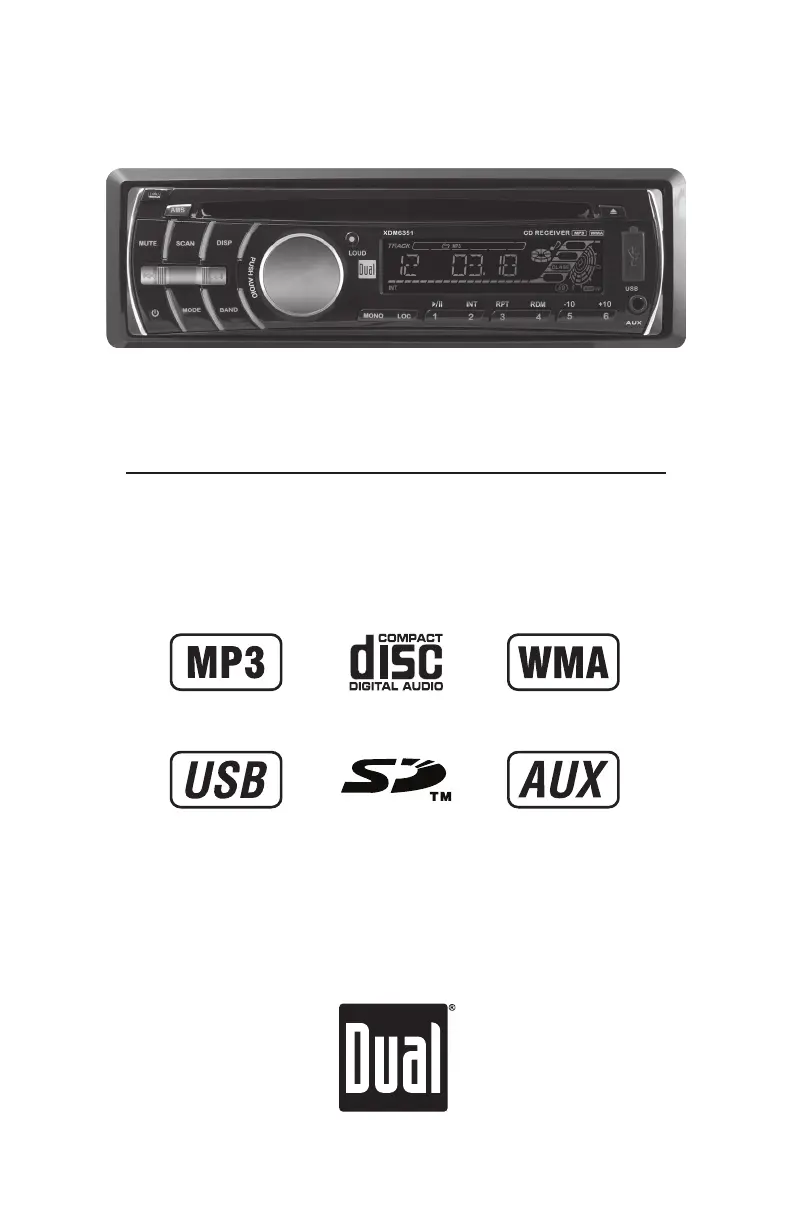
INSTALLATION/OWNER'S MANUAL
AM/FM/CD Receiver with Detachable Face
XDM6351

Questions and Answers

  • J
    Juan EstradaAug 13, 2025
    Why Dual Electronics Corporation Car Stereo System won't turn on?
    • S
      Scott ChenAug 13, 2025
      Your Dual Electronics Corporation Car Stereo System might not be turning on due to several reasons: the yellow wire may not be connected or have incorrect voltage (check for proper voltage between 11 and 16VDC), the black wire may not be connected (check the ground connection), or the fuse might be blown (replace the fuse).
  • E
    Edwin BrownAug 16, 2025
    What to do if Dual Electronics Corporation XDM6351 keeps blowing fuses?
    • J
      Jeremy WileyAug 16, 2025
      If your Dual Electronics Corporation Car Stereo System is blowing fuses, it could be due to a few reasons. The yellow or red wire might be touching the chassis ground (check for pinched wires), the speaker wires might be touching the chassis ground (check for pinched wires), or the fuse rating might be incorrect (use a fuse with the correct rating).
  • T
    Timothy HenryAug 20, 2025
    How to fix Dual Electronics Corporation XDM6351 Car Stereo System with power but no sound?
    • C
      Christian HartAug 20, 2025
      If your Dual Electronics Corporation Car Stereo System has power but no sound, it could be due to disconnected speaker wires (check connections at the speakers). Another possible cause is that one or more speaker wires are touching each other or the chassis ground. To resolve this, insulate all bare speaker wires from each other and the chassis ground.
  • M
    Melvin HernandezAug 25, 2025
    Why Dual Electronics Corporation XDM6351 Car Stereo System is skipping a lot?
    • M
      Michelle AtkinsAug 25, 2025
      Excessive skipping in your Dual Electronics Corporation Car Stereo System can occur if the unit is not mounted correctly or the backstrap is not secure (check the mounting sleeve and backstrap support). It can also be caused by a physical defect in the media (CD, CD-R, or CD-RW), so check the media for scratches.
  • C
    Colleen SimonAug 27, 2025
    What to do if Dual Electronics Corporation XDM6351 won't accept a disc?
    • L
      Lisa SanchezAug 28, 2025
      If your Dual Electronics Corporation Car Stereo System won't accept a disc, it could be due to the CD mechanism position being out of alignment. Try pressing the EJECT button to reset the CD mechanism position. Another possibility is that the CD transit screws are still in place; remove the 2 transit screws located on top of the unit.
  • D
    Donald PowellAug 31, 2025
    What does ERR FILE mean on Dual Electronics Corporation XDM6351 Car Stereo System?
    • T
      Timothy HughesAug 31, 2025
      When 'ERR FILE' appears on the display of your Dual Electronics Corporation Car Stereo System, it indicates a disc read error. Try pressing the EJECT or RESET button. It could also mean there's a focus error, or the disc is inserted upside down; in this case, press EJECT or RESET. Alternatively, the WMA file might be copy-protected by DRM. If so, use WMA files that are not copy-protected to write the disc.
  • K
    Kristy SmithSep 4, 2025
    Why does my Dual Electronics Corporation XDM6351 display NO FILE?
    • J
      Jasmine DiazSep 4, 2025
      If 'NO FILE' appears on the display of your Dual Electronics Corporation Car Stereo System, it means that no playable MP3/WMA files were found on the device. Check the device for valid MP3/WMA files.
  • R
    Ryan JohnsonSep 8, 2025
    What does NO SUPPORT mean on Dual Electronics Corporation XDM6351?
    • S
      smithmichealSep 8, 2025
      If 'NO SUPPORT' appears on the display of your Dual Electronics Corporation Car Stereo System, it indicates that an invalid ID3 tag version is present. Version 1.0 to 2.0 ID3 tags are supported.

Summary

Installation Guide

Preparation and Mounting

Steps for preparing the unit before installation and mounting methods.

Wiring Diagram and Fuse

Visual representation of connections and information on the unit's fuse.

Control Locations

Receiver Controls Overview

Identifies and labels all controls on the head unit.

Remote Control Layout

Identifies and labels all controls on the remote control.

General Operation

Basic Functions

Explains faceplate removal, power, mode selection, volume, and display.

Clock and Setup Menu

Instructions for setting the clock and accessing the setup menu.

Audio Adjustments

How to adjust Bass, Treble, Balance, and Fader controls.

Tuner Operation

Tuning and Band Selection

Guide to seeking, manual tuning, and selecting FM/AM bands.

Station Presets Management

How to store, recall, and automatically store favorite radio stations.

CD Player Operation

CD Playback Basics

Instructions for inserting, ejecting, and basic playback controls.

CD Playback Features

Details on track selection, FFWD/REV, pause, intro, repeat, and random modes.

CD Compatibility

Information on compatible and incompatible disc types and formats.

MP3;WMA File Playback

How to play MP3/WMA files, display info, and character limits.

MP3;WMA Media and Formats

Lists compatible/incompatible discs, recording formats, and ISO9660 standards.

MP3;WMA File Specifications

Details sampling rates, bit rates, and ID3 tag limitations.

Recommended Burning Settings

Guidelines for optimal MP3/WMA disc burning settings.

SD Card and USB Operation

Connecting and Playing Devices

Guide to connecting devices and starting music playback.

Device Handling and Playback Control

Steps for inserting devices and controlling playback.

SD;USB File Compatibility

Information on character support, media compatibility, and device requirements.

SD;USB File Specifications

Details sampling rates, bit rates, and ID3 tag limitations.

Music Search

Music Search Methods

How to search for music by time, track, file, or character.

Limited One Year Warranty

Warranty Terms and Coverage

Explains warranty coverage, exclusions, and eligibility.

Warranty Service Procedure

Steps to follow for obtaining warranty service, including contact information.

Troubleshooting

Common Problems and Solutions

Lists common issues, their causes, and recommended actions.

Specifications

Technical Specifications

Detailed specs for CD Player, FM/AM Tuner, and general features.

Amplifier Power Standard

Details amplifier power output and signal-to-noise ratio.

FCC Compliance

Regulatory Compliance Statement

Statement regarding compliance with FCC rules and potential interference.

Dual Electronics Corporation XDM6351 Specifications

General IconGeneral
ModelXDM6351
DIN SizeSingle DIN
Display TypeLCD
Channels4
USB InputYes
AUX InputYes
BluetoothYes
Radio TunerAM/FM
Remote ControlYes
TypeCar Stereo
Peak Power Output50 watts
PlaybackMP3, WMA

Related product manuals