EasyManua.ls Logo

Dual Electronics Corporation XR4115 - User Manual

Default Icon
16 pages
Print Icon
To Next Page IconTo Next Page
Loading...
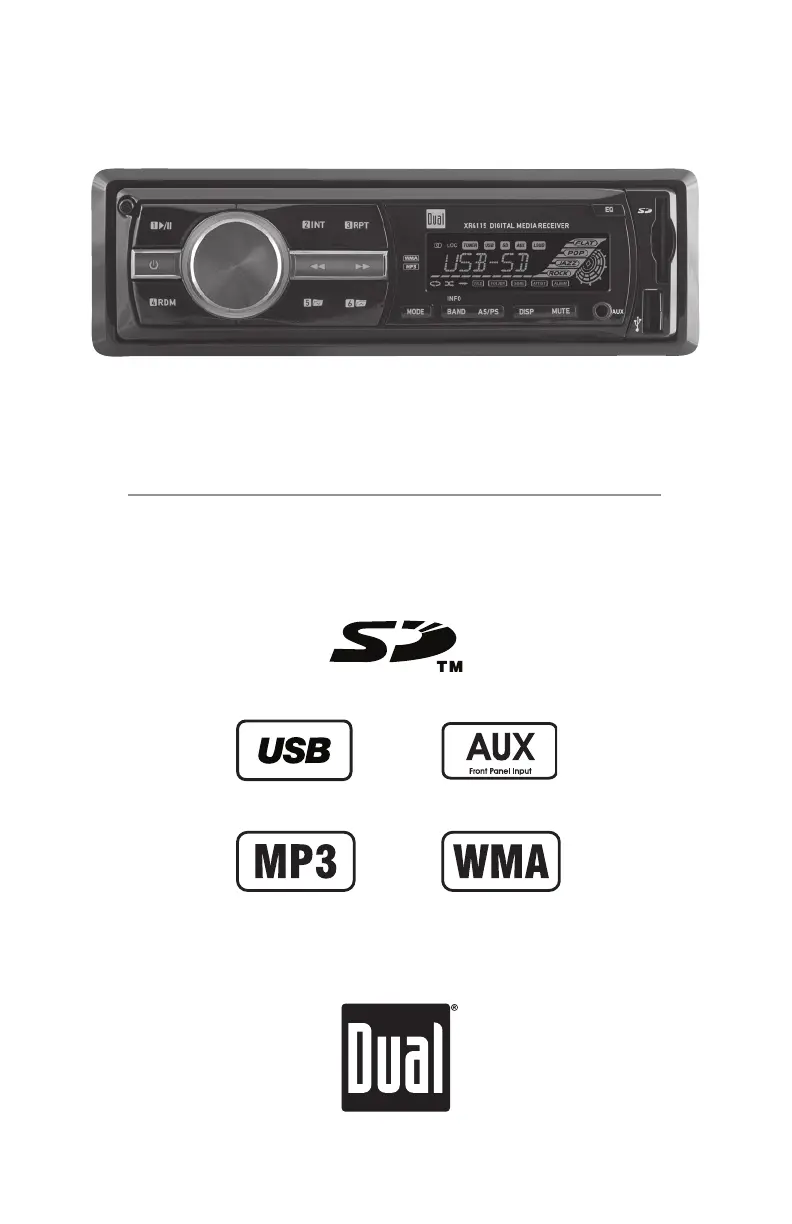
AM/FM/MP3/WMA Receiver with Detachable Face
XR4115
INSTALLATION/OWNER'S MANUAL

Questions and Answers

  • C
    Christine GonzalesJul 26, 2025
    Why Dual Electronics Corporation XR4115 won't turn on?
    • C
      Christina WilsonJul 26, 2025
      Your Dual Electronics Corporation Car Stereo System might not be turning on due to several reasons. It could be that the yellow or red wire isn't connected properly or has the wrong voltage (it should be between 11 and 16VDC), so check those connections. Another possibility is that the black wire isn't connected to ground. Lastly, the fuse might be blown, in which case you should replace it.
  • M
    montgomerybreannaAug 3, 2025
    What to do if Dual Electronics Corporation XR4115 blows fuses?
    • M
      Michael SimonAug 3, 2025
      If your Dual Electronics Corporation Car Stereo System keeps blowing fuses, it could be due to a few reasons. The yellow or red wire might be touching the chassis ground, or the speaker wires might be doing the same; in both cases, check for any pinched wires. Also, make sure you're using a fuse with the correct rating.
  • S
    Steven MitchellAug 9, 2025
    Why Dual Electronics Corporation Car Stereo System has power but no sound?
    • M
      Mr. Christian Mendoza Jr.Aug 9, 2025
      If your Dual Electronics Corporation Car Stereo System has power but no sound, the issue might be with the speaker wires. First, check the connections at the speakers to make sure they're properly connected. Also, ensure that none of the bare speaker wires are touching each other or the chassis ground. If they are, insulate them to prevent this.
  • T
    Tiffany GrantAug 17, 2025
    How to fix "SD ERR" or "USB ERR" on Dual Electronics Corporation Car Stereo System?
    • L
      Lindsey JonesAug 17, 2025
      If you're seeing an "SD ERR" or "USB ERR" message on your Dual Electronics Corporation Car Stereo System display, it indicates a compatibility issue with your USB drive or SD card. Ensure that the device capacity is less than 32GB and that the file system is FAT or FAT32.

Summary

Preparation and Installation

Before You Start

Essential pre-installation safety and preparation steps, including battery disconnection.

Wiring Diagram

Vehicle Wiring Connections

Illustrates how to connect the unit's wires to the vehicle's power and speaker system.

Control Locations - Receiver

Front Panel Controls Overview

Identifies and explains the function of all buttons, ports, and the display on the receiver's front panel.

General Operation

Audio;Menu Navigation and Sound Adjustments

Navigating audio menus and adjusting Bass, Treble, Balance, Fader, and Loudness.

Tuner Operation

Radio Tuning Methods

Using seek tuning and manual tuning to find radio stations.

Band Selection and Presets

Switching between FM/AM bands and storing/recalling preset radio stations.

SD Card; USB Operation

Playback and Track Navigation

Initiating music playback and navigating through tracks on connected storage.

Limited One Year Warranty

Troubleshooting

Common Problems and Solutions

Addresses issues like no power, no sound, blown fuses, and media errors with causes and actions.

Dual Electronics Corporation XR4115 Specifications

General IconGeneral
ManufacturerDual Electronics Corporation
ModelXR4115
DIN SizeSingle DIN
Peak Power Output200 Watts
Subwoofer Preamp OutputYes
Display TypeLCD
Display ColorBlue
Button ColorBlue
PlaybackMP3, WMA
USB InputYes
AUX InputYes
SD Card SlotYes
BluetoothYes
TunerAM/FM
Remote ControlYes
TypeCar Stereo
Preamp Outputs2
EqualizerYes

Related product manuals