EasyManua.ls Logo

Dual AMB500W - User Manual

Dual AMB500W
32 pages
Print Icon
To Next Page IconTo Next Page
Loading...
INSTALLATION/OWNER'S MANUAL
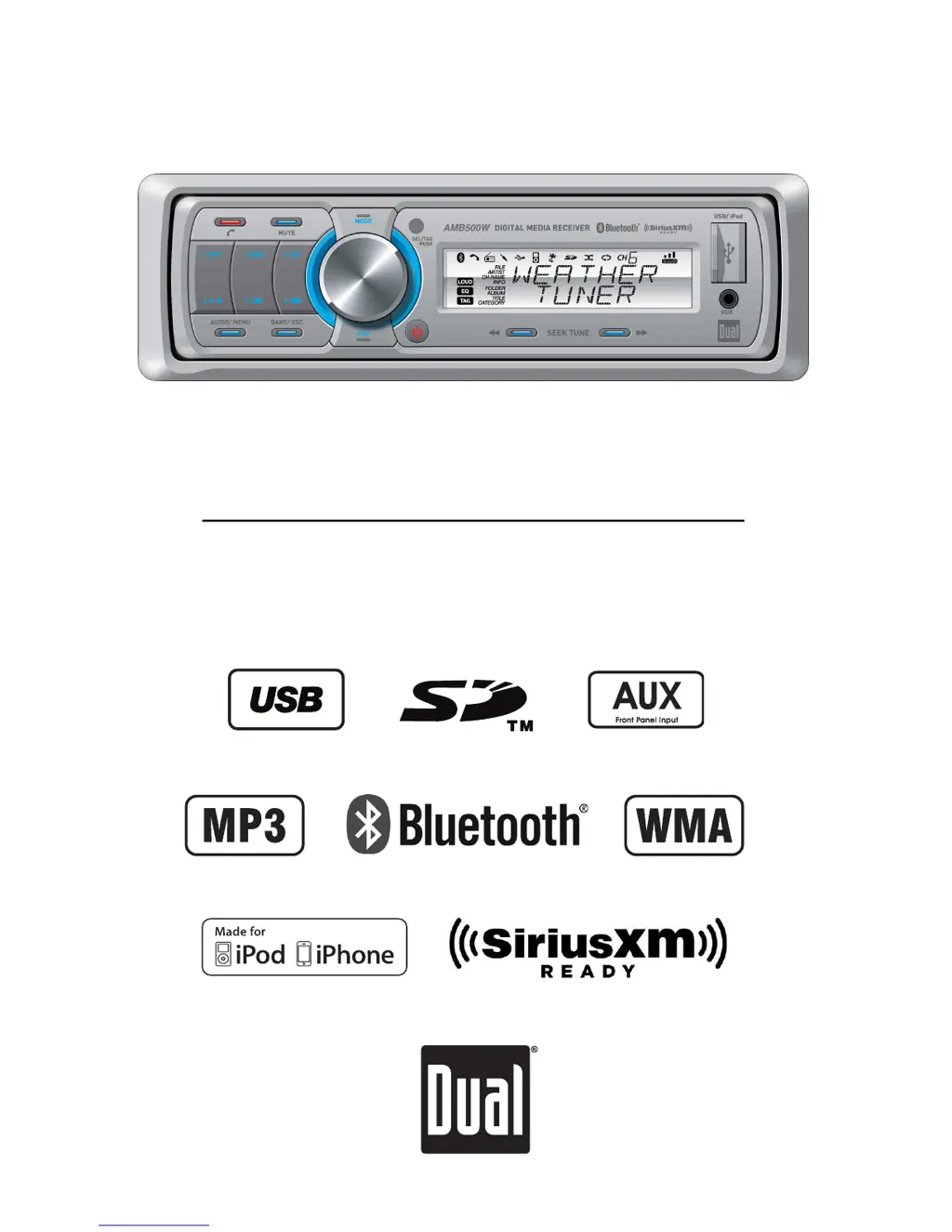
Marine Receiver with Detachable Face
AMB500W

Questions and Answers

  • J
    jamespetersonJul 31, 2025
    How to fix Dual Marine Audio when it will not turn on?
    • K
      keykatrinaJul 31, 2025
      If your Dual Marine Audio unit isn't turning on, it could be due to several reasons: * The yellow or red wire might not be properly connected, or the voltage is incorrect. Ensure the connections have the correct voltage (11~16VDC). * The black wire may not be connected. Check the ground connection. * The fuse might be blown. In this case, replace the fuse.
  • T
    Taylor MartinezAug 4, 2025
    What to do if Dual AMB500W has power but no sound?
    • J
      Jill SpearsAug 4, 2025
      If your Dual Marine Audio unit has power but no sound, the issue might be: * The speaker wires are not connected. Check the connections at the speakers. * One or more speaker wires are touching each other or the chassis ground. Insulate all bare speaker wires from each other and the chassis ground.
  • C
    Cheryl FryeAug 9, 2025
    Why does my Dual AMB500W Marine Audio keep blowing fuses?
    • J
      John PopeAug 9, 2025
      If your Dual Marine Audio unit keeps blowing fuses, there are a few potential causes: * The yellow or red wire might be touching the chassis ground. Check for any pinched wires. * Speaker wires might be touching the chassis ground. Again, check for pinched wires. * The fuse rating might be incorrect. Make sure to use a fuse with the correct rating.
  • D
    Danny PaulAug 15, 2025
    What to do if 'PROTECT' appears on Dual AMB500W Marine Audio display?
    • M
      Melissa PetersonAug 15, 2025
      The 'PROTECT' message on your Dual Marine Audio display indicates that the WMA file is copy-protected by DRM (Digital Rights Management). To resolve this, create a disc using WMA files that are not copy-protected.
  • B
    Brooke RobbinsAug 19, 2025
    Why does 'NO SUPPORT' appear on my Dual AMB500W display?
    • L
      Luis WalkerAug 19, 2025
      The 'NO SUPPORT' message on your Dual Marine Audio display means there's an issue with the ID3 tag: * An invalid ID3 tag version is present. Only versions 1.0 to 2.4 are supported. * An unsupported character is in the ID3 tag. Ensure only ASCII characters are used.
  • M
    Manuel CookAug 25, 2025
    What to do if 'NO FILE' appears on Dual AMB500W Marine Audio display?
    • J
      Justin ColemanAug 26, 2025
      The 'NO FILE' message on your Dual Marine Audio display indicates that the selected file isn't available in direct or alphanumeric search modes. Try repeating the search using valid parameters.

Summary

Installation

Preparation

Steps to prepare for the installation of the receiver unit.

Wiring Diagram

Diagram illustrating the connections for the receiver unit.

Controls and Basic Operation

Receiver Control Locations

Identifies and describes the controls on the receiver unit.

Remote Control Locations

Identifies and describes the controls on the remote.

General Operation

Details basic functions like power, modes, volume, and display.

Setup Menu

Explains the various options available in the setup menu.

Media Source Operation

Audio Adjustments

Instructions for adjusting audio settings like Bass, Treble, and Balance.

Tuner Operation

Covers tuning, band selection, and storing station presets.

SiriusXM Operations

Details on connecting, setting up, and listening to SiriusXM.

USB;SD Card Operation

Instructions for playing music from USB and SD card devices.

iPod;iPhone Operation

Details on connecting and controlling iPod and iPhone devices.

Bluetooth Operation

Guide to pairing, connecting, and using Bluetooth features.

Support and Specifications

Limited One-Year Warranty

Information about the product's warranty coverage and terms.

Troubleshooting

Common problems and their solutions for the receiver.

Specifications

Technical details and performance characteristics of the unit.

Dual AMB500W Specifications

General IconGeneral
BrandDual
ModelAMB500W
CategoryMarine Audio
LanguageEnglish

Related product manuals