EasyManua.ls Logo

Dual MGH17BT - User Manual

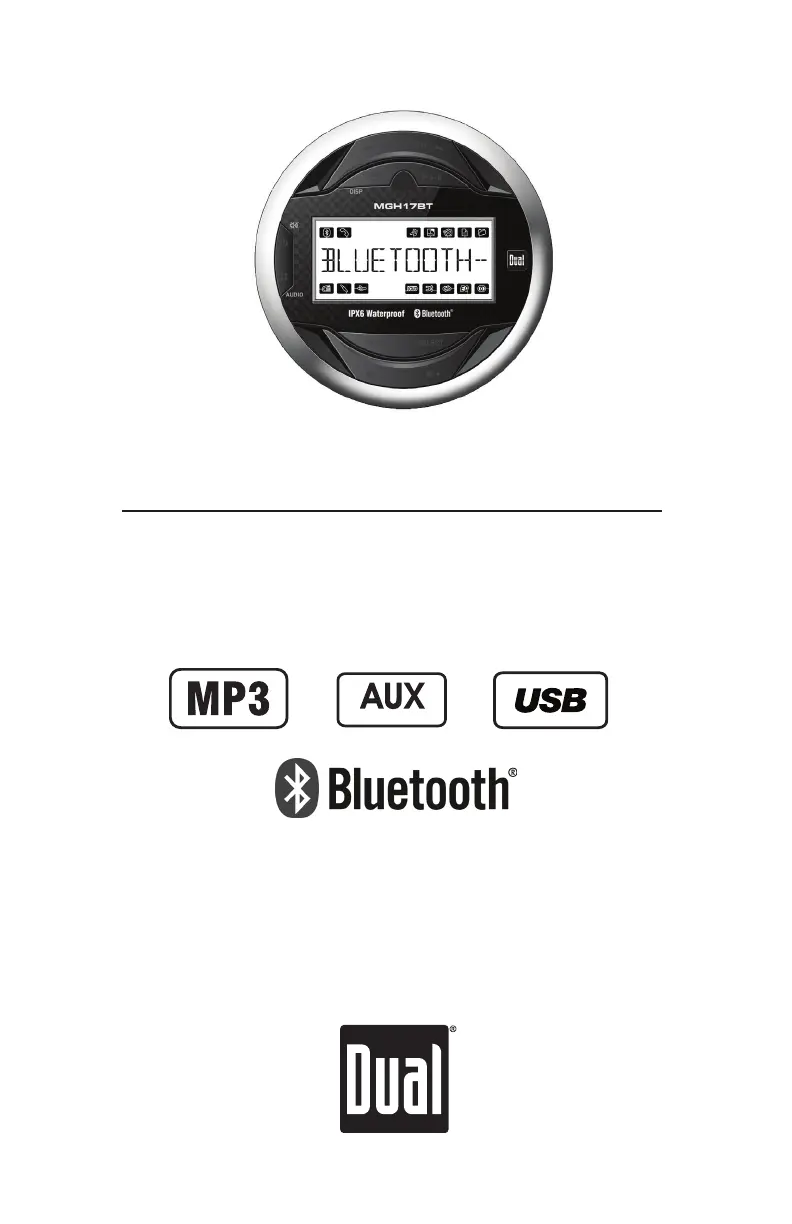
Dual MGH17BT
31 pages
Print Icon
To Next Page IconTo Next Page
Loading...
INSTALLATION/OWNER'S MANUAL
AM/FM Gauge Hole Receiver
MGH17BT
Front and Rear Inputs

Questions and Answers

  • J
    Jose MartinezAug 4, 2025
    Why Dual MGH17BT won't turn on?
    • R
      ramirezsherryAug 4, 2025
      Your Dual Marine Audio unit may not be turning on due to several reasons: * The yellow or red wire might not be connected properly, or the voltage is incorrect. Ensure that the connections have the correct voltage (11~16VDC). * The black wire might not be connected. Check the ground connection. * The fuse might be blown. In this case, replace the fuse.
  • C
    Christy HollandAug 10, 2025
    What to do if Dual MGH17BT Marine Audio blows fuses?
    • M
      Michael HendersonAug 10, 2025
      If your Dual Marine Audio unit is blowing fuses, it could be due to: * A yellow or red wire touching the chassis ground. Inspect for any pinched wires. * Speaker wires touching the chassis ground. Check for pinched wires. * Using a fuse with an incorrect rating. Ensure you are using a fuse with the correct rating.
  • R
    Roberto HayesAug 16, 2025
    What to do if Dual MGH17BT Marine Audio has power but no sound?
    • E
      Evelyn SmithAug 16, 2025
      If your Dual Marine Audio unit has power but no sound, consider these potential causes: * Speaker wires may not be connected. Check the connections at the speakers. * One or more speaker wires may be touching each other or the chassis ground. Insulate all bare speaker wires from each other and the chassis ground.
  • M
    Matthew RobbinsAug 22, 2025
    What does 'NO SUPPORT' mean on my Dual MGH17BT display?
    • C
      Cynthia Patrick DVMAug 22, 2025
      The 'NO SUPPORT' message on your Dual Marine Audio display indicates: * An invalid ID3 tag version is present. Only version 1.0 to 2.4 ID3 tags are supported. * An ID3 tag character is not supported. Only ASCII characters are supported.
  • J
    Jessica DiazAug 28, 2025
    What to do if 'NO FILE' appears on Dual Marine Audio display?
    • A
      Alexander Wiggins MDAug 28, 2025
      The 'NO FILE' message appears because the selected file is not available in direct or alphanumeric search modes. Repeat the search using valid parameters.

Summary

Mounting

Before You Start

Pre-installation checks and safety precautions before mounting the unit.

Getting Started

Steps for drilling the hole and securing the stereo using the mounting bracket.

Installation

Mounting the Radio

Detailed steps for mounting the radio unit into the dashboard after preparing the mounting location.

Wiring

Control Locations

Front Panel Controls

Identification and function of buttons and controls on the front panel of the unit.

Remote Control Layout

Diagram and labels for buttons on the included remote control.

General Operation

Power On;Off

Instructions for turning the unit on and off.

Changing Modes

How to switch between AM/FM, auxiliary, and USB input modes.

Volume and Mute

Adjusting audio volume and using the mute function.

Auxiliary Inputs and Display

Connecting external devices via RCA and changing display information.

Reset and Setup Menu

Procedures for resetting the unit and accessing the setup menu.

Setup Menu Options

Tuner Settings

Options for Auto Station Store, Local/Distance Tuning, and Tuner Frequency Spacing.

Audio and Display Settings

Configuration for Loudness, Beep Confirmation, Scrolling Option, and Illumination Dimmer.

iPod and Demonstration Modes

Control for iPod/iPhone and enabling/disabling demonstration mode.

Audio Settings

Bass, Middle, Treble, and Balance

Adjusting the low, mid, high frequencies and stereo balance of the audio output.

Fader and Loudness

Controlling front-to-rear speaker balance and activating the loudness feature.

EQ and Source Volume Level

Selecting equalization curves and setting volume gain for different audio sources.

AM;FM Tuner Operation

Tuning Methods

Using seek and manual tuning to find radio stations.

Band Selection and Presets

Switching between FM/AM bands and storing/recalling preset stations.

USB Operation

Connecting and Playing Music

How to connect a USB device and start music playback.

Music Control

Navigating tracks, fast forward/reverse, and pausing playback.

File Search

Steps to search for files and folders on a connected USB device.

USB Operation Details

Display Information and Folder Access

Understanding display icons and navigating folders on USB devices.

Playback Modes

Using Repeat, Random, and Intro playback functions for USB music.

USB Compatibility and File Info

Character Support and Media Types

Supported character limits for display and compatible media file formats.

Playback Specifications

Details on playback order, capacity limits, and USB device compatibility.

USB MP3 File Details

MP3 File Requirements

Information on MP3 file extensions, sampling rates, and bit rates for playback.

MP3 Tag Display Support

How MP3 tag information (ID3 tags) is displayed and supported versions.

Bluetooth Pairing and Connection

Pairing Procedures

Steps for pairing new and additional Bluetooth devices to the head unit.

Managing Paired Devices

Instructions for connecting, disconnecting, and managing previously paired Bluetooth devices.

Streaming Audio Control

Using the head unit to control music playback from a Bluetooth device.

Bluetooth Features and Settings

Streaming Audio and Control

Details on A2DP/AVRCP profiles and controlling streamed music.

Reset and Auto Connect

How to reset Bluetooth settings and configure auto-connect functionality.

Weather Band Operation

Tuning and Band Selection

How to manually tune weather band stations and select the weather band.

Troubleshooting Guide

Power and Sound Issues

Solutions for units not turning on or having no sound.

Fuse and File Display Problems

Addressing issues with blown fuses, 'NO FILE' or 'NO SUPPORT' messages.

Limited One Year Warranty

What is Covered

Details on what the warranty covers and exclusions like installation costs or misuse.

Obtaining Service

Instructions on how to get warranty service, including packing and contact information.

Product Specifications

Tuner and General Specs

Technical details for FM/AM tuners, speaker impedance, line output voltage.

Bluetooth and Amplifier Specs

Information on Bluetooth profiles and CEA-2006 amplifier power standards.

FCC Compliance

Operational Conditions

Conditions for compliance with FCC Part 15 rules, including avoiding harmful interference.

Interference Mitigation

Measures to take if the equipment causes radio or TV reception interference.

Dual MGH17BT Specifications

General IconGeneral
BrandDual
ModelMGH17BT
CategoryMarine Audio
LanguageEnglish

Related product manuals